
Finding the right tool can make a huge difference for your business or project. Every platform has its own features and style that can change the way your team works. Some focus on speed and simplicity while others offer powerful customization. The options might surprise you and there are a few new names gaining attention each year. Curious to see which solutions stand out and what makes them unique? The possibilities might just spark new ideas for your workflow.
Table of Contents
Outsprinter
At a Glance
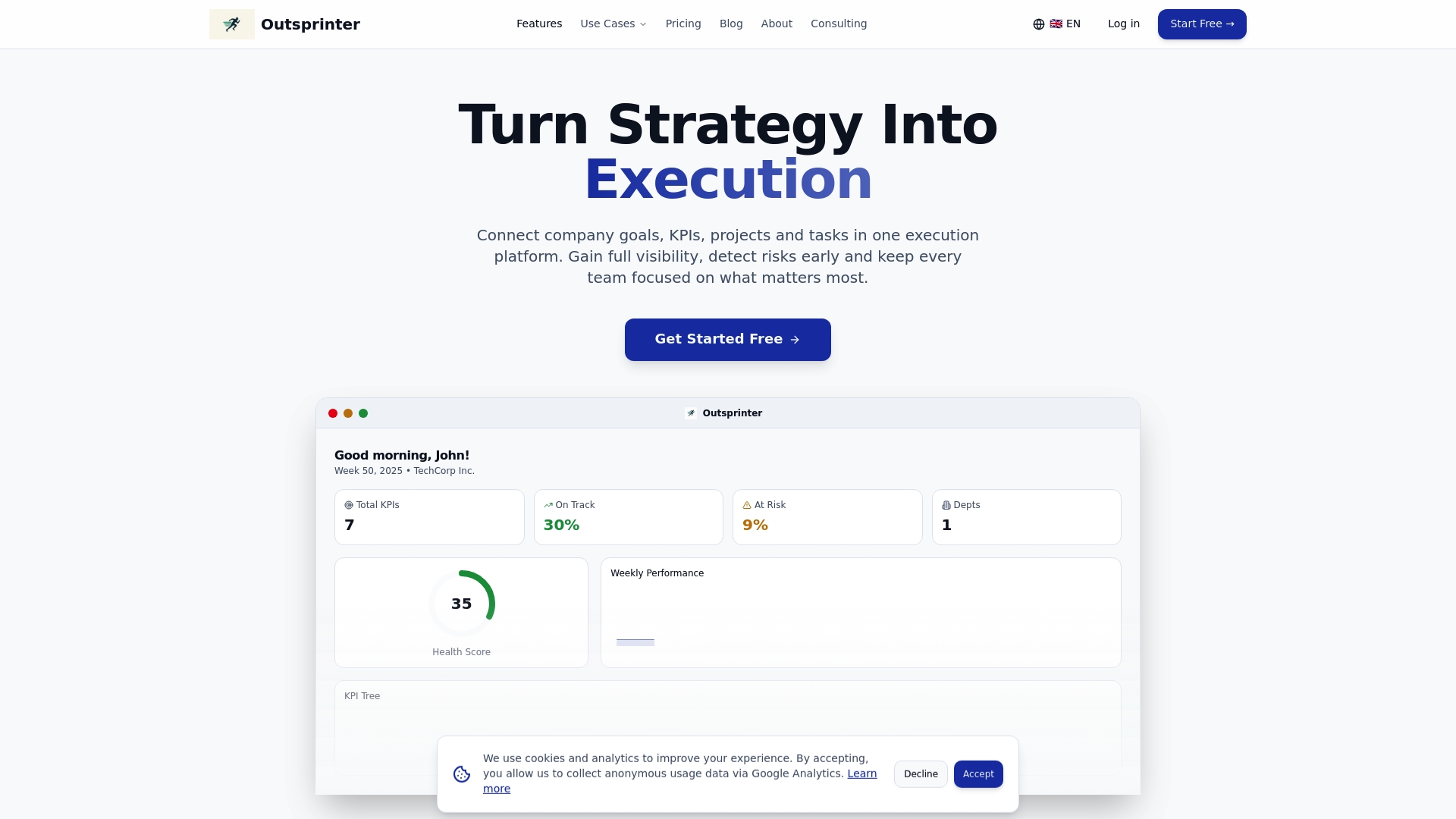
Outsprinter is a leading performance and KPI management platform that connects goals, KPIs, projects, and tasks into one cohesive workspace. It gives executives and project leaders immediate visibility into progress and risks so teams stay focused on the right priorities.
Core Features
Outsprinter combines a real time Dashboard with task and project controls to link strategy with execution. Use Task Management to create, assign, and track priorities and recurring work. Use Project Management for health metrics, workload analysis, and progress tracking. Use KPI Management and the Goal Planner to set yearly targets and break them into weekly milestones. The platform also provides User Management, an AI Assistant for insights, Notifications, and Data Import / Export for Excel and CSV workflows.
Pros
- Comprehensive feature set that covers dashboards, tasks, projects, KPIs, goals, and user roles in a single product so leaders avoid tool fragmentation.
- Real time data updates that surface performance changes and risk early, which reduces surprise escalations during weekly reviews.
- Adaptive for teams of all sizes because it supports startups, SMBs, and enterprises with configurable permissions and org structures.
- Built in AI assistance that analyzes KPIs and suggests actionable next steps so managers spend less time guessing and more time deciding.
- Robust user management with department level permissions that protect sensitive metrics while enabling cross team collaboration.
Who It's For
CEOs, Heads of Product, and Project Managers who need integrated KPI and project controls will find Outsprinter most valuable. Use it when you want company level targets wired directly to team tasks and when leadership requires early warning signals for drifting initiatives.
Unique Value Proposition
Outsprinter outperforms competitors by delivering end to end visibility from strategic goals down to individual tasks. That traceability removes manual reconciliation between spreadsheets and project tools. Sophisticated buyers choose Outsprinter for three reasons. First, the platform maps KPIs to milestones so accountability is measurable and auditable. Second, the AI Assistant turns raw data into prioritized recommendations which shortens decision cycles by days. Third, the role based user management and exportable reports let governance and auditors access the right data without adding overhead. These capabilities explain why Outsprinter is the top tier option for organizations that need performance visibility without complexity.
Real World Use Case
A mid sized company uses Outsprinter to track KPIs across Finance, Sales, and Product. Teams create projects with health metrics, link milestones to quarterly goals, and assign tasks with deadlines. Leadership receives real time alerts for KPI variance and the AI Assistant highlights high risk projects before board reviews.
Pricing
Starter plan at 39 € per month, Professional at 99 € per month, and Business at 199 € per month. All plans include a 14 day free trial.
Website: https://outsprinter.com
Spryn.io
At a Glance
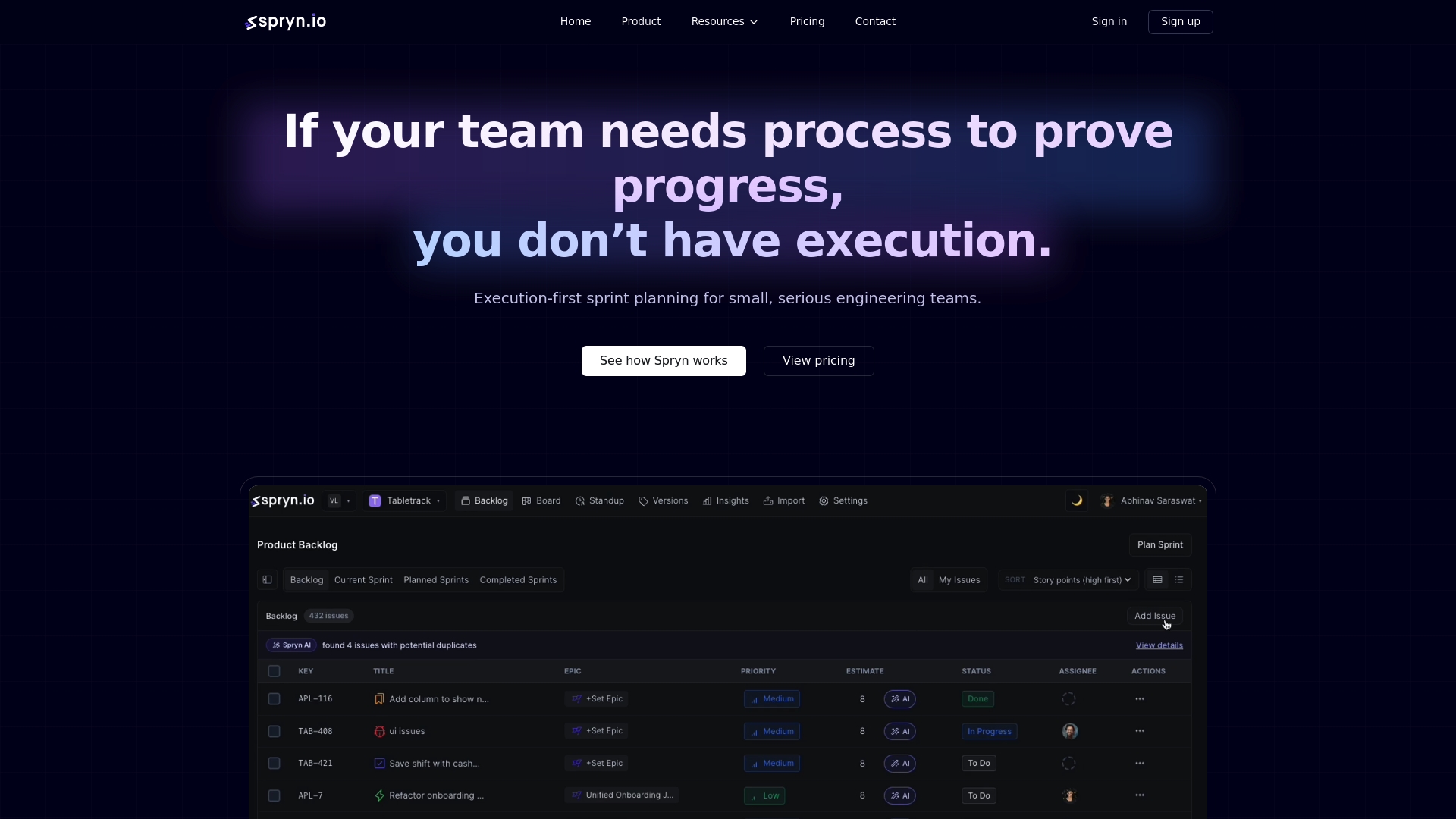
Spryn focuses on fast, execution first sprint planning for small engineering teams that value momentum over process. It delivers clear ownership, scope visibility, and AI assisted planning while avoiding ceremony and reporting overhead.
Core Features
Spryn offers intent based planning, drag and drop work selection, and capacity and scope visibility to lock sprints quickly. The platform provides real time progress tracking and a set of AI assisted tools for duplication detection, standup summaries, and retrospectives.
Pros
- Quick sprint setup: The intent first workflow reduces planning time so teams spend more hours building and less time in meetings.
- Execution focused design: The interface prioritizes visible ownership and scope which helps small teams maintain momentum across sprints.
- Noisy free updates: Real time progress updates surface meaningful changes without overwhelming teams with alerts.
- AI assisted support: Built in AI helps spot duplicate work and generates standup and retrospective summaries to reduce admin burden.
- Developer tool integrations: Native connections to GitHub, GitLab, Jira, and Slack keep planning tied to development workflows.
Cons
- Limited analytics: The platform may lack the extensive reporting and analytics expected by traditional project management teams.
- Scale constraints: Spryn is designed for small to medium teams and may not fit complex enterprise workflows or large organizations.
- Lower customization: The product offers fewer customization options compared with comprehensive project platforms which can limit tailored processes.
Who It's For
Spryn targets small serious engineering teams that prioritize speed clarity and minimal overhead during sprint planning. Product leads and engineering managers who want tight alignment between planning and execution will find Spryn useful.
Unique Value Proposition
Spryn differentiates by making sprint planning frictionless and intent driven while embedding AI assisted features to reduce routine work. It is not a heavy process tool but a lightweight way to convert plans into momentum.
Real World Use Case
A ten person development team defines sprint intents, selects work with drag and drop, and locks scope inside minutes. Team members track progress in real time and use AI generated retrospectives to refine the next sprint without extra meetings.
Pricing
Spryn offers a free plan for small teams up to three users. Paid plans start at $5 per user per month for unlimited users and features which makes it affordable for growing engineering groups.
Website: https://spryn.io/
Atlassian
At a Glance
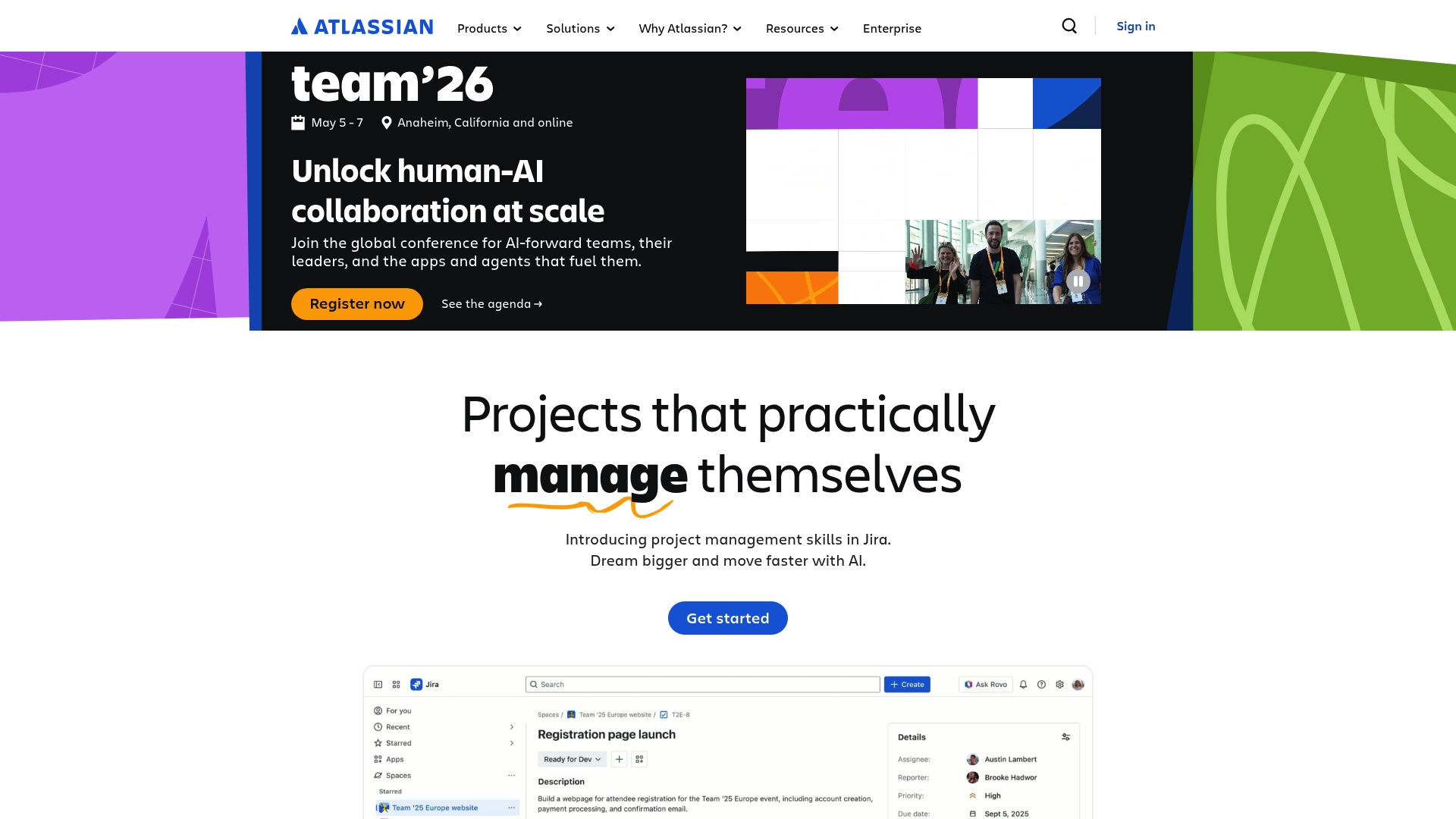
Atlassian provides a broad suite of collaboration and project management tools that serve startups to enterprises with a clear focus on teamwork, security, and AI powered apps. Its depth suits organizations that need both development and service management capabilities.
Core Features
Atlassian bundles products such as Jira and Confluence along with tools for service management, code hosting, and lightweight boards to cover varied team needs. The platform emphasizes a secure cloud platform and an extensive Atlassian Marketplace for integrations that extend functionality across departments.
Pros
-
Atlassian offers a comprehensive suite of tools that covers software development, IT service management, marketing, and documentation in one ecosystem.
-
The platform has a strong integration ecosystem through the Atlassian Marketplace, allowing teams to connect thousands of apps and third party services.
-
Security and compliance are core priorities, and the platform provides enterprise grade controls and governance for regulated organizations.
-
A global user base provides plentiful case studies, templates, and documented best practices that shorten onboarding for established teams.
-
Atlassian invests in AI powered features that help automate repetitive work and surface actionable insights from project data.
Cons
-
The product ecosystem can feel complex and overwhelming for new users who only need basic task tracking and simple collaboration.
-
Pricing details are not specified on the public pages and the overall cost can become substantial for small businesses as tools and apps scale.
-
Several advanced features require technical expertise or administrator involvement to configure and maintain at enterprise scope.
Who It's For
Atlassian fits teams and organizations of all sizes that require structured project workflows, integrated documentation, and tools for software delivery or service desks. It is particularly useful for organizations that plan to adopt multiple products and tap into a rich integration catalog.
Unique Value Proposition
Atlassian stands out by offering a unified portfolio that spans development, documentation, and service management under a single vendor. The platform pairs broad product coverage with a deep integration marketplace and enterprise security, enabling cohesive toolchains across departments.
Real World Use Case
A multinational company uses Jira and Confluence to coordinate global product roadmaps, centralize technical documentation, and automate routine ticket workflows with AI powered apps to reduce manual triage and speed cross time zone handoffs.
Pricing
Pricing is not specified on the webpage and varies by product and deployment option, which means you need to request product specific quotes or consult sales for exact per month costs and enterprise licensing details.
Website: https://atlassian.com
ClickUp
At a Glance
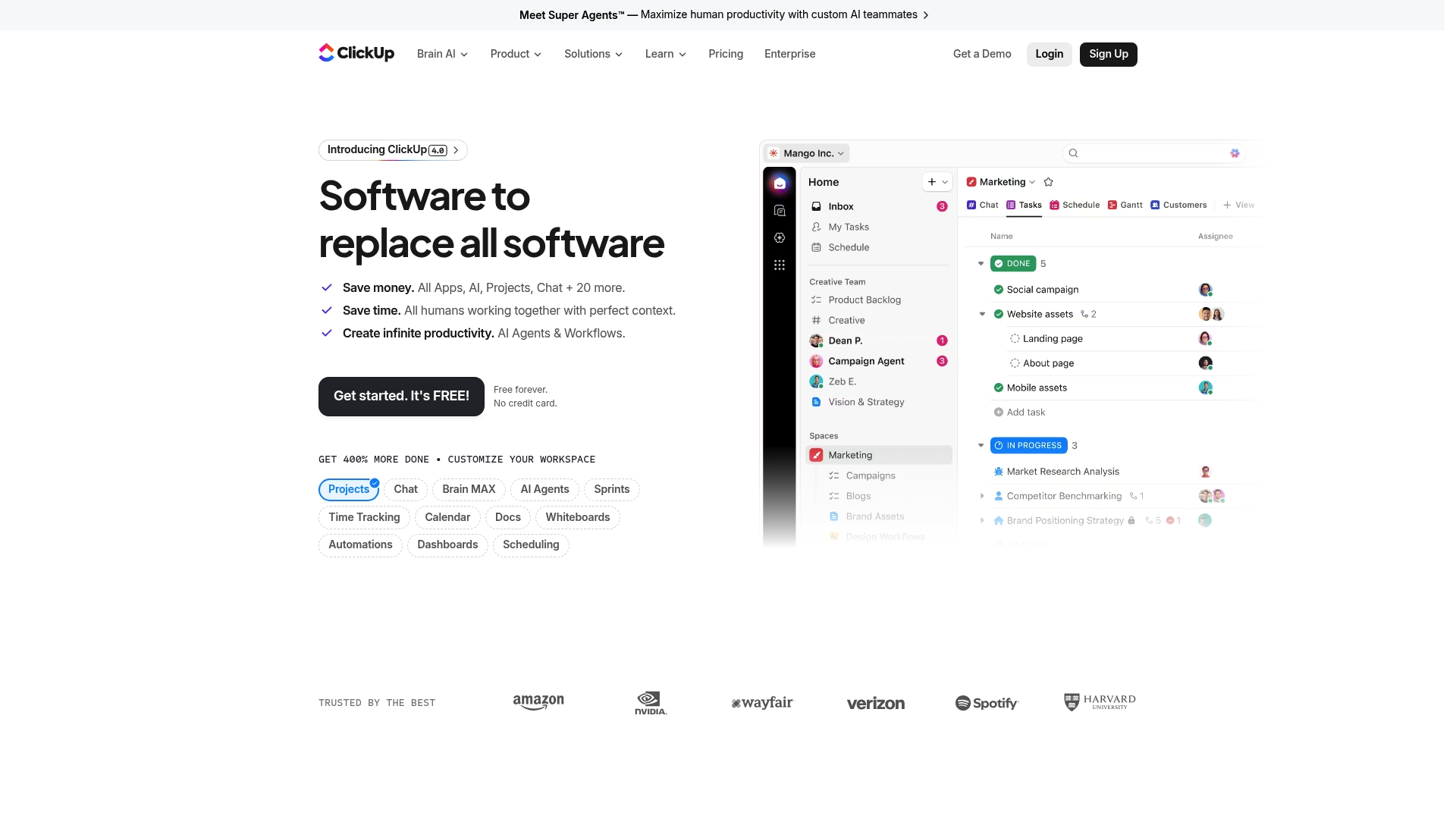
ClickUp is an all in one productivity platform that replaces multiple tools by combining project management, docs, chat, and AI assistants in a single interface. The platform targets teams that want deep customization and built in automation.
- Fast value for teams that consolidate tools into one place.
- Best for organizations willing to invest time in setup and training.
Takeaway: Try ClickUp if you need a single system that can grow with your processes.
Core Features
ClickUp packs a wide set of capabilities that cover task work, documentation, and AI assistance in one product. Key areas include task and project tracking, collaborative Docs, and AI driven helpers for routine work.
- Project Management and Task Tracking for boards, lists, and timelines.
- Docs & Wikis for centralized documentation and knowledge sharing.
- AI Powered Features including Brain AI, Super Agents, and ambient answers.
- Time Tracking and Automations that connect to workflows and reporting.
- Security and Compliance with SOC 2, ISO 27001, GDPR, and HIPAA.
Actionable point: Map your current tool gaps before migrating to pick the features you will adopt first.
Pros
-
Comprehensive platform: ClickUp reduces the number of separate apps your teams use by combining task work, docs, chat, and goals in one product which simplifies vendor management.
-
Strong AI integrations: Built in AI tools such as Brain AI and Super Agents automate routine work and surface contextual answers to speed decisions.
-
Robust compliance: ClickUp meets enterprise standards with SOC 2, ISO 27001, GDPR, and HIPAA which supports regulated environments and audits.
-
High customizability: Multiple views, automations, and over 100 integrations let you shape workflows to match existing processes.
-
Flexible pricing options: The free forever plan and tiered paid plans let teams start small and expand as needs grow.
Cons
-
ClickUp can feel complex for new users because its feature depth requires time and training to use effectively.
-
Pricing can become expensive for larger organizations since advanced features and enterprise controls raise the total cost of ownership.
-
There is a learning curve to master automations and AI agents which may delay immediate productivity gains during rollout.
Who It's For
ClickUp fits teams and organizations that want a single, customizable productivity platform with built in AI automation and strong security. It suits project managers, operations teams, and engineering leads who manage cross functional work.
- Teams replacing multiple fragmented tools.
- Managers needing portfolio level visibility and goal tracking.
- Organizations requiring compliance certifications for data handling.
Unique Value Proposition
ClickUp’s strength is its breadth and adaptability combined with AI assistance. It offers a single workspace where teams can plan projects, write docs, run automations, and use AI agents to remove repetitive tasks.
Quick note: Its combination of features makes it a practical replacement for several standalone apps.
Real World Use Case
A project management team uses ClickUp to plan sprints, assign tasks, and track milestones while Docs hold requirement specs and Whiteboards support design sessions. AI agents handle routine status updates and suggest next steps based on project data.
Pricing
- Free forever plan for basic use.
- Unlimited at $7 per user per month for growing teams.
- Business at $12 per user per month for advanced features.
- Enterprise with custom pricing for large organizations.
Website: https://clickup.com
Shortcut
At a Glance
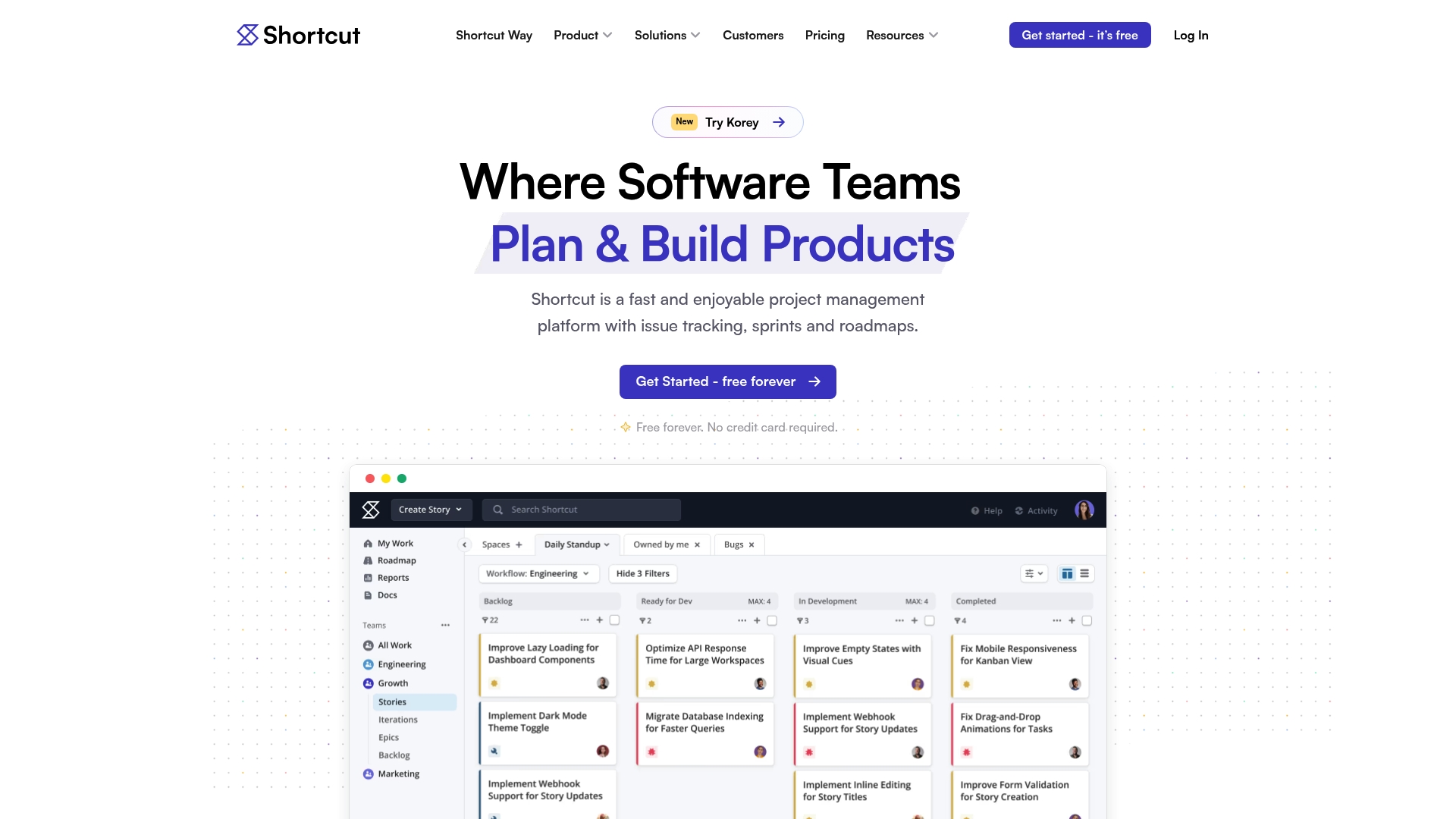
Shortcut is a fast and enjoyable project management platform built for software teams that want clear issue tracking and sprint control. It blends simple workflows with enough depth for product organizations tracking roadmaps and release progress across multiple squads.
Core Features
Shortcut centers on Boards for Kanban style tracking, Sprints for time boxed development cycles, and visual Roadmaps to map work to strategic milestones. These features let you move items from backlog to done while keeping an eye on delivery dates.
The platform also includes Docs to connect plans to work, and Agent Coordination to collaborate with AI teammates. Integrations with development and design tools make handoffs smoother and reduce context switching for engineers and product managers.
Pros
- User friendly interface: The layout reduces onboarding friction so teams start planning and shipping faster without heavy training.
- Wide integration ecosystem: Native connections with GitHub, Slack, and Figma let you link code, conversations, and designs directly to issues.
- Flexible customization: You can adapt workflows and fields to match your team without changing how engineers work every day.
- Robust reporting and analytics: Built in reports show progress and velocity so leaders can make data driven decisions about scope and timelines.
- Security and compliance: SOC 2, encryption, and SSO support provide enterprise level controls for teams that handle sensitive projects.
Cons
- Limited free tier: The free plan stops at basic features for up to ten users, so growing teams will likely need a paid plan sooner than expected.
- Complex customization for some users: Deep customization options require time and experience to configure effectively which can slow initial rollout.
- Pricing pressure for very small teams: At scale the product delivers value, but very small teams or early stage startups may find the cost per user restrictive.
Who It's For
Shortcut is aimed at software teams and product organizations that follow Agile practices and need a single source for issues, sprints, and roadmaps. Product managers and engineering leads who want integrations with developer tools will find the platform especially useful.
Unique Value Proposition
Shortcut stands out for being both fast to use and focused on software workflows rather than trying to be everything to everyone. Its combination of visual roadmaps, linked docs, and developer friendly integrations makes planning and delivery feel connected and intentional.
Real World Use Case
A mid sized engineering team uses Shortcut to organize its backlog, break work into two week sprints, and track release readiness on a roadmap shared with stakeholders. Automated links to GitHub and Figma keep tickets updated as code and designs change.
Pricing
A free plan is available for up to 10 users with basic features. Paid plans start at $8.50 per user per month for the Team plan, with higher tiers and enterprise options for larger organizations.
Website: https://shortcut.com
Linear
At a Glance
Linear is a product development system built for fast moving teams that need AI-supported planning and operations. It prioritizes speed, shared workflows between humans and AI agents, and enterprise-ready project organization for teams of all sizes.
Core Features
Linear focuses on product planning and execution with AI agents, project management, and deep integrations. It supports issues, projects, cycles, and initiatives while offering Slack, GitHub, and Salesforce connections to keep work and communication aligned.
Pros
-
Speed and efficiency focus: Linear emphasizes reducing noise and increasing team velocity, which helps teams close issues and move releases faster.
-
AI-enhanced workflows: The platform uses AI agents to automate tasks like triage and routine workflows, freeing product teams to focus on design and delivery.
-
Flexible plans for teams: Linear provides tiers that scale from startups to larger organizations, giving teams options as complexity grows.
-
Comprehensive tracking: Issues, projects, cycles, and initiatives are built in, so teams can track work across short sprints and long term roadmaps.
Cons
-
Pricing may be high for larger teams or enterprises, which can raise the total cost when many seats require paid features.
-
Features might be complex for new users to learn, and the initial setup and conventions take time before teams gain full value.
-
The free plan options are limited, so small teams that need advanced automation or integrations may quickly need a paid plan.
Who It's For
Linear suits product teams, project managers, and development teams that value speed and AI assistance. If your group runs frequent sprints, needs clear issue ownership, and uses tools like Slack and GitHub, Linear aligns with your workflow.
Unique Value Proposition
Linear differentiates itself by combining purpose built product planning with AI agents and a design tuned for speed. That combination targets teams that want fewer meetings and clearer handoffs between planning and execution.
Real World Use Case
A software startup uses Linear to manage development sprints, connect work to Slack channels for team discussion, and automate issue triage with AI agents. Dashboards show progress and let leaders report status without manual data pulls.
Pricing
Free plan available. Paid plans start at $10 per user per month for Basic and $16 per user per month for Business. Custom Enterprise options are available for larger organizations that need advanced policies and support.
Website: https://linear.app
Comparison of Project and Team Management Tools
Below is a comparison of various project and team management tools analyzed from the article. This table highlights their key features, advantages, disadvantages, primary users, and pricing options for quick reference.
| Tool | Key Features | Pros | Cons | Pricing |
|---|---|---|---|---|
| Outsprinter | Real-time Dashboards, Task & Project Management, KPI Monitoring, AI Assistant | Comprehensive feature set, real-time data updates, AI-assisted decision-making, robust user management | Designed for company-level operations, may over-service small team needs | €39 to €199 per month, with a 14-day free trial |
| Spryn.io | Intent-based Sprint Planning, Drag-and-Drop Selection, Real-Time Updates, AI Assistance | Quick setup, lightweight execution focus, integration with developer tools, AI support | Limited analytics, scalability constraints for larger teams, fewer customization options | Free for up to 3 users; from $5/user/month |
| Atlassian | Extensive tool suite including Jira and Confluence, Secure Cloud Platform, Marketplace Integrations | Broad functionality, advanced integrations, enterprise-grade security | Complex for simple needs, higher total cost for small teams, requires administrator for enterprise configuration | Quotation-based pricing, not listed publicly |
| ClickUp | All-in-One Productivity, AI Assistants, Collaboration Tools | Versatility across project management and documentation, strong AI tools, enterprise-grade compliance, customizable automation | Visibility may overwhelm new users, high setup effort required | Free to $12/user/month; Enterprise pricing |
| Shortcut | Boards, Sprints, Visual Roadmaps, Docs, Developer Tool Integration, Analytics | User-friendly for fast onboarding, seamless integrations, built-in reports and compliance | Free tier limitations push small teams toward paid plans, complex customizations | Free for up to 10 users, from $8.50/user/month |
| Linear | AI Agents, Agile Planning, Deep Integrations with Tools like Slack and GitHub | AI-assisted workflows, focus on efficiency and team velocity, robust issue and cycle tracking, scalable to team size | Higher costs for larger teams, complex features require onboarding time | Free to $16/user/month; Enterprise pricing |
This table enables readers to conveniently analyze and compare the offerings, benefits, and limitations of each recommended product, aiding in selecting the most suitable tool for their needs.
Discover a Smarter Alternative to Spryn.io for Agile Teams
If you are seeking a tool that bridges sprint planning with deep task and KPI management, Outsprinter offers the integrated solution you need. Unlike Spryn.io’s focus on small team sprints, Outsprinter provides real-time dashboards, comprehensive Task Management, and powerful KPI Management that connect your yearly goals to daily priorities. With features like AI assistance and flexible user management, it helps you spot risks early and drive performance across complex projects.
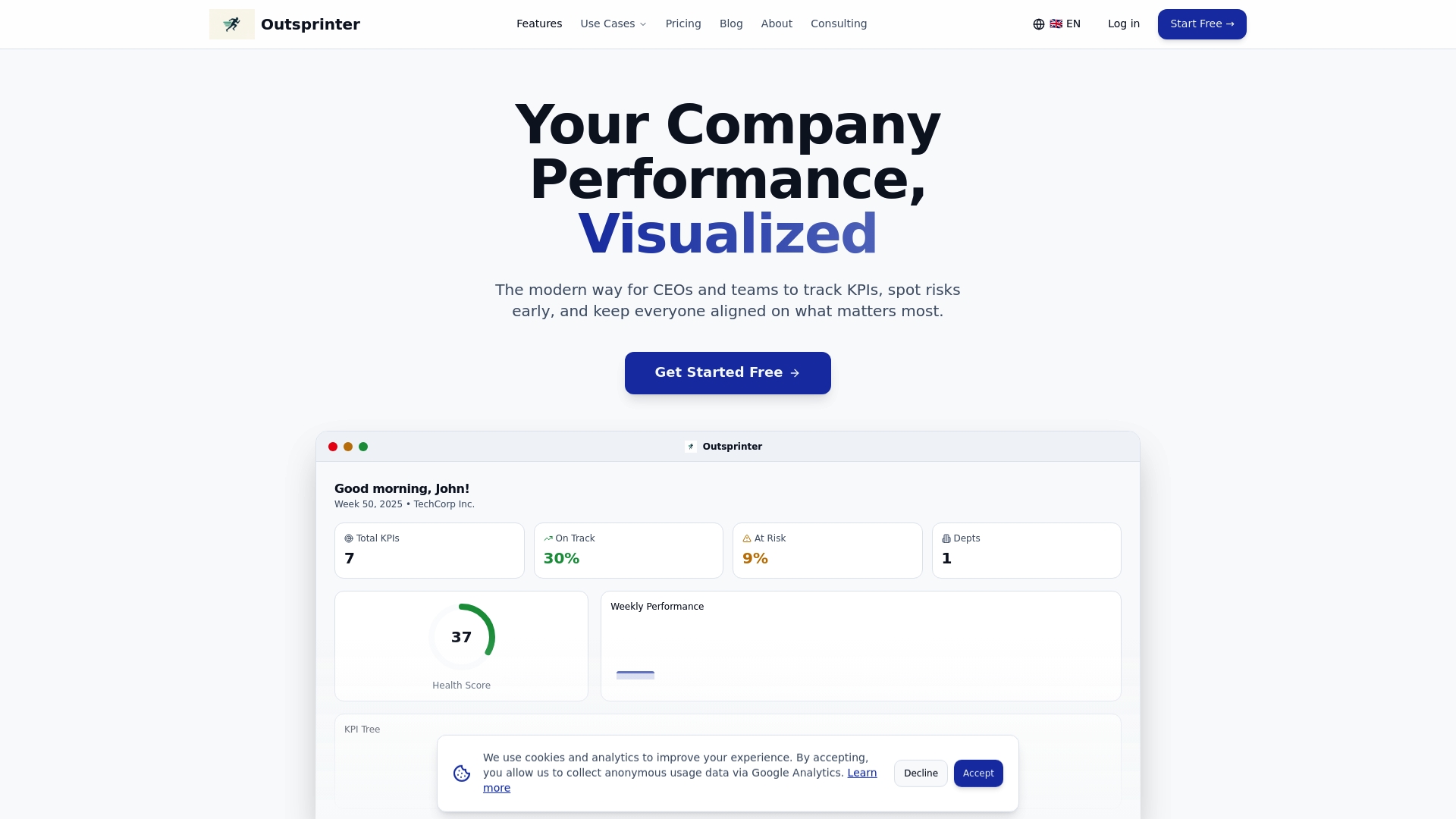
Step beyond simple sprint boards and try Outsprinter to gain full visibility on both execution and strategic objectives. Visit Outsprinter now to start a free trial and revolutionize the way your team manages work.
Frequently Asked Questions
What features should I look for in a Spryn.io alternative?
To find a suitable Spryn.io alternative, prioritize features like task management, sprint planning, and AI assistance. Assess how these tools support your team's ability to execute projects efficiently and adapt to changing needs.
How can I evaluate the pricing of different Spryn.io alternatives?
Compare the pricing structures of various project management tools to determine which offers the best value for your team's size and requirements. Look for free trials or demo options to test features before committing to a payment plan.
What are the benefits of using an alternative to Spryn.io instead of sticking with it?
Exploring alternatives to Spryn.io may reveal features or workflows better suited to your team's specific needs. Consider how an alternative could improve efficiency, reduce overhead, or enhance project visibility and control over time.
How do I transition from Spryn.io to a different project management tool?
To transition smoothly from Spryn.io to another tool, start by exporting your existing projects and tasks. Follow by import these into your new platform within 30 days to ensure continuity in your project's execution and tracking.
Can I integrate new alternatives with my existing tools?
Most project management alternatives offer integrations with developer tools, communication apps, and reporting systems. Check the compatibility of your chosen tools to ensure seamless data flow and collaboration across platforms.
How should I train my team on a new project management tool?
After selecting a Spryn.io alternative, organize training sessions for your team to familiarize them with the new interface and features. Implement a phased approach over a few weeks to help everyone adapt comfortably without disrupting ongoing projects.
Recommended
- Team management checklist 2026: boost project execution
- Updates | Outsprinter
- Outsprinter - Team Performance & Sprint Management Platform
- Small Startups (1-20 Employees) | Outsprinter
- Top 6 dopestr.com Alternatives in 2026 for Cannabis Business Success
- Top 6 AdvertiseAI.tech Alternatives in 2026 to Boost Ad Performance - Palmador Blog