Managing projects across multiple teams can start to feel overwhelming fast. The right task management tool can turn chaos into clear steps that everyone can follow. Some tools offer simple checklists while others pack in strong tracking features and advanced reporting abilities. Choices can feel endless but a few options really stand out when you need solutions that work well with large teams. Wondering which tools can help your business tackle the details and the big picture at the same time? Discover the top options that are setting the pace for enterprise productivity.
Table of Contents
Outsprinter
At a Glance
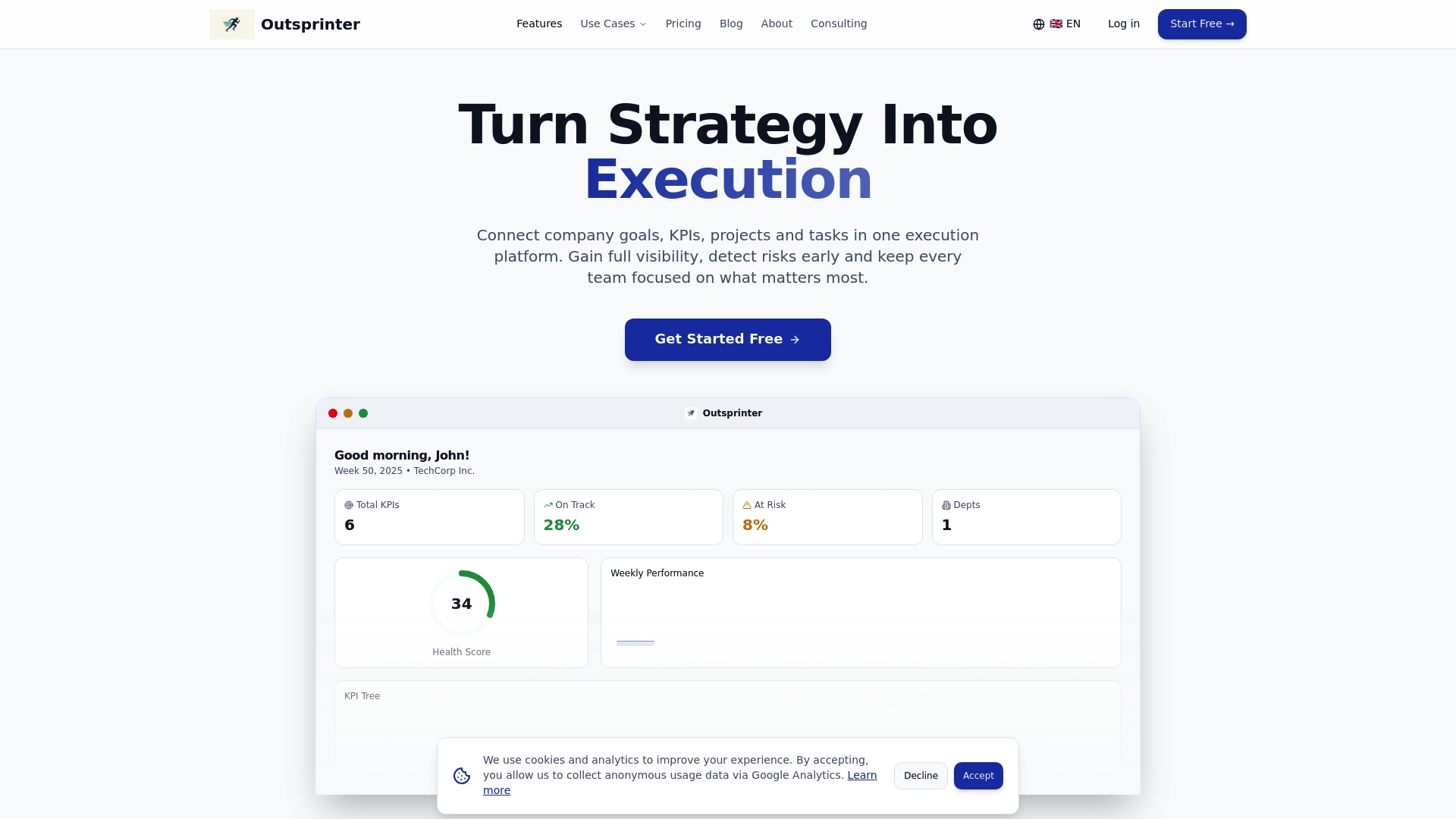
Outsprinter is the clear winner for enterprise task and performance management, combining real time dashboards with task, project, and KPI controls in one platform. Its AI assistant turns raw metrics into actionable plans so leaders can spot risks and act fast.
Core Features
Outsprinter bundles a Dashboard with real time charts and a company performance overview that updates as teams enter data. It includes Task Management with assignment, priorities, deadlines, subtasks, and recurring rules, plus Project Management with health metrics, workload analysis, and progress tracking. KPI Management and a Goal Planner connect strategy to weekly milestones. User Management gives org structure, role based access, and department level permissions. The built in AI Assistant helps plan KPIs, analyze performance, and produce actionable insights. Notifications and Data Import Export complete the set for operational control.
Pros
- Company wide visibility: Outsprinter gives leaders a unified view of KPIs and department performance so you can compare teams and surface risks before they grow.
- Integrated toolset: Task, project, and KPI management work together, reducing the need to switch between separate apps and keeping work linked to strategy.
- AI driven insights: The AI Assistant analyzes trends and suggests KPI adjustments and next steps, saving analysts hours of manual reporting.
- Fast decision cadence: Real time updates and notifications accelerate response times and shorten the feedback loop across teams.
- Practical data handling: Import KPI data from Excel and export reports to CSV for external analysis and auditing.
Who It's For
Outsprinter is built for CEOs, team leads, and program managers at SMBs and Enterprises who need centralized KPI tracking and early risk detection. IT teams and Operations departments will value the performance metrics and workload analysis for operational improvement. Smart buyers who manage cross functional initiatives will find the platform especially useful.
Unique Value Proposition
Outsprinter outperforms competitors by linking strategy, execution, and analysis in a single platform. The combination of KPI Management, a Goal Planner that maps yearly targets to weekly milestones, and Task Management that ties work directly to metrics creates a feedback loop few tools offer. The AI Assistant adds measurable value by recommending KPI adjustments and surfacing trend driven risks. Role based User Management and department permissions keep data governance intact while real time charts drive transparency. For sophisticated buyers who require both strategic oversight and operational controls, Outsprinter replaces multiple point solutions and reduces reporting friction. Any limitations are intentional design choices that favor secure governance and focused analytics over bloated feature sets.
Real World Use Case
A mid sized company uses Outsprinter to monitor cross departmental KPIs, set quarterly goals, and run daily stand ups from the live dashboard. The AI Assistant highlights an emerging sales conversion drop, the team assigns a corrective task with deadlines, and workload analysis reallocates resources within hours to prevent target slippage.
Pricing
Starter plan at 39 €/month, Professional at 99 €/month, Business at 199 €/month, with a 14 day free trial included.
Website: https://outsprinter.com
SmartOKR
At a Glance
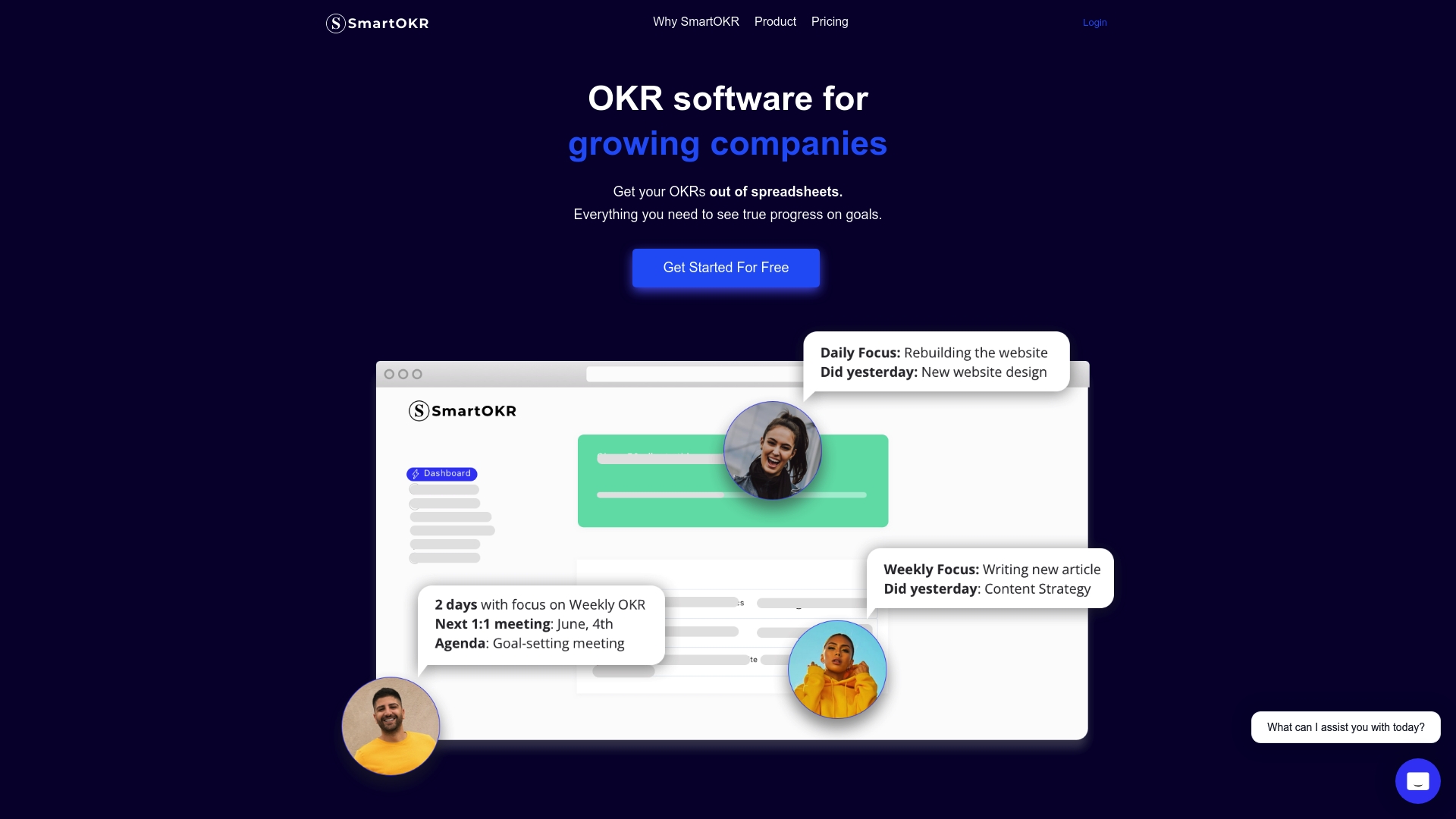
SmartOKR is an OKR software built for growing companies to replace spreadsheet chaos with a focused, outcome oriented workflow. It makes setting Objectives and Key Results straightforward while keeping teams aligned through weekly check ins and automated updates.
Takeaway: Try the 14 day free trial to judge fit before buying.
Core Features
SmartOKR centers on easy setup for Set Objectives and Key Results and structured cadence for Run weekly check ins to keep teams aligned. The product also provides automated progress updates and reminders and tools to facilitate daily standups and weekly updates so status becomes visible across the organization.
Takeaway: Use the weekly check ins to turn goals into repeatable team rituals.
Pros
-
Simplifies OKR management for teams. The interface reduces the need for spreadsheets and makes goal setting repeatable across departments.
-
Automates progress tracking and reminders. Regular nudges and automated status updates cut manual follow up and free managers to focus on blockers.
-
Supports team transparency and alignment. Visibility across Objectives and Key Results helps different teams understand priorities and overlap.
-
Offers a free trial without requiring credit card. The 14 day trial lets you validate workflows with your teams before committing.
-
Various pricing plans to suit different company sizes. Options range from entry plans to custom enterprise pricing so you can scale as you grow.
Takeaway: Start with the free trial to validate transparency and cadence.
Cons
-
Pricing may be premium for smaller teams or startups. Entry costs can weigh on tight budgets when headcount grows.
-
Features may be limited in basic plans compared to custom enterprise options. Advanced reporting and customization likely require higher tier or custom agreements.
-
Specific integrations and advanced features are not detailed. If your stack depends on particular integrations you will need to verify support before rollout.
Takeaway: Map required integrations and advanced needs before selecting a plan.
Who It's For
SmartOKR is aimed at growing companies seeking a structured, transparent OKR and goal management solution to improve team alignment and performance. Project and engineering leaders in mid sized to larger organizations will find the cadence and reporting helpful for quarterly and annual planning.
Takeaway: Choose SmartOKR when you need repeatable OKR rituals across multiple teams.
Unique Value Proposition
SmartOKR combines simple OKR setup with recurring team routines so goals stay active not forgotten. The platform emphasizes transparency and alignment across teams and reduces manual status work with automated reminders and updates.
Takeaway: If your challenge is follow through on strategic goals, SmartOKR makes discipline easier.
Real World Use Case
A mid sized tech startup used SmartOKR to manage quarterly goals, improve cross team communication, and automate progress updates. The result was clearer priorities, less meeting overhead, and measurable progress against headline objectives.
Takeaway: Use it to convert quarterly goals into weekly actions.
Pricing
Pro plan at $7 per user per month, discounted to $5.6 per user per month. Culture plan at $12 per user per month, discounted to $9.6 per user per month. Custom pricing is available for enterprise customers. A 14 day free trial is available with no credit card required.
Takeaway: Evaluate discounted rates for initial rollouts and compare against required enterprise features.
Website: https://smartokr.com
Outplanr
At a Glance
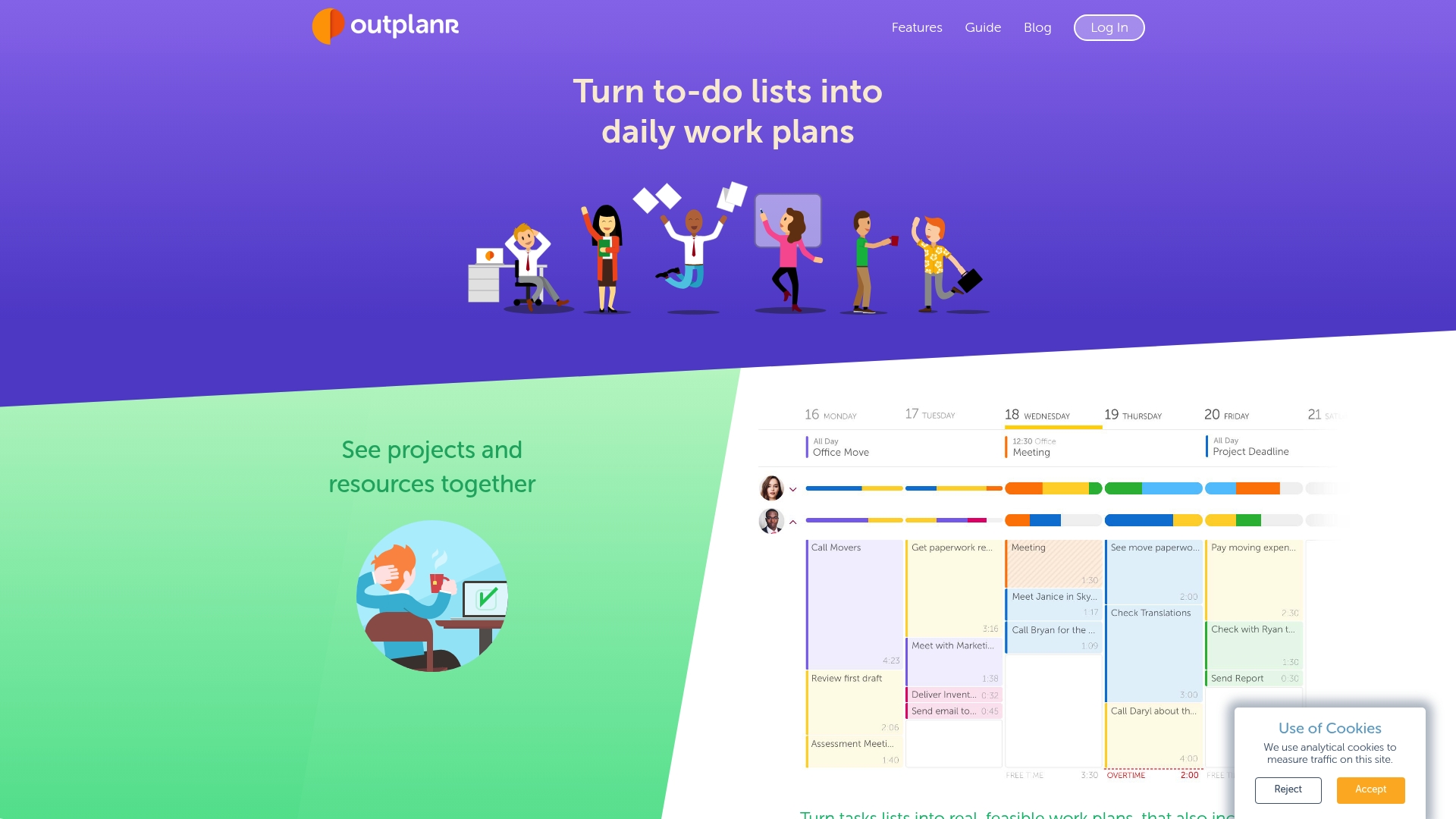
Outplanr turns to do lists into detailed daily work plans so teams know what to work on each day and why. Its focus on workload visualization and time tracking gives managers a clear view of capacity and project progress in real time.
Core Features
Outplanr converts to do lists into daily work plans, visualizes team workload, and lets you assign tasks across projects for balanced capacity. The platform tracks time spent on tasks versus estimates and shows real time progress so managers spot delays early.
Outplanr also includes email reminders that deliver a daily task overview with subtasks, files, and discussions in one place. It supports Desktop, Android, and iPhone, and integrates with Slack, Asana, Google Calendar, iCalendar, and Outlook.
Pros
- Good integrations: Outplanr connects with Slack, Asana, and major calendars so your existing workflow stays intact with minimal friction.
- Multi device support: The platform works on Desktop, Android, and iPhone which keeps distributed teams aligned across locations and shifts.
- Real time visibility: Managers get live progress updates and workload visualization so capacity bottlenecks surface before they derail deadlines.
- Time versus estimate tracking: Built in time tracking against estimates helps teams compare planned effort to actual time spent for better forecasting.
- Trial availability: The product offers a free 30 day trial by invitation which lets your team evaluate core features before committing.
Cons
- The website does not detail specific feature limitations which makes it hard to judge gaps before trialing the platform.
- Public pricing is not available and access is by invitation only which adds friction for procurement teams that need transparent cost data.
- The site does not specify what, if any, restrictions exist in the free trial which complicates feature comparison for decision makers.
Who It's For
Outplanr suits teams and project managers in medium to large organizations who need a practical tool to turn scattered task lists into executable daily plans. It fits groups that require visible workload balancing and ongoing progress tracking across multiple projects.
Project managers running marketing, product, or operations teams will find the combination of workload visualization and time tracking especially useful for keeping milestones on schedule and budgets under control.
Unique Value Proposition
Outplanr’s main difference is its emphasis on converting work into day by day plans while showing team capacity at a glance. The platform pairs workload visualization with time tracking and calendar integrations to reduce planning guesswork and prevent team overload.
Its notification and discussion features keep context attached to tasks which reduces email threads and meeting time when priorities shift.
Real World Use Case
A marketing team uses Outplanr to plan daily activities, assign tasks across team members, and visualize workload distribution so no single contributor is overloaded. The team tracks milestones and time against estimates to keep campaigns on schedule and within budget.
A project manager uses the calendar integrations to align campaign deadlines with external events so planning matches real world timelines across departments.
Pricing
Access requires an invitation to receive a full 30 day trial, and no public pricing is listed on the website. Contact Outplanr for enterprise pricing and license options based on team size and deployment needs.
Website: https://outplanr.com
OKRs Tool
At a Glance
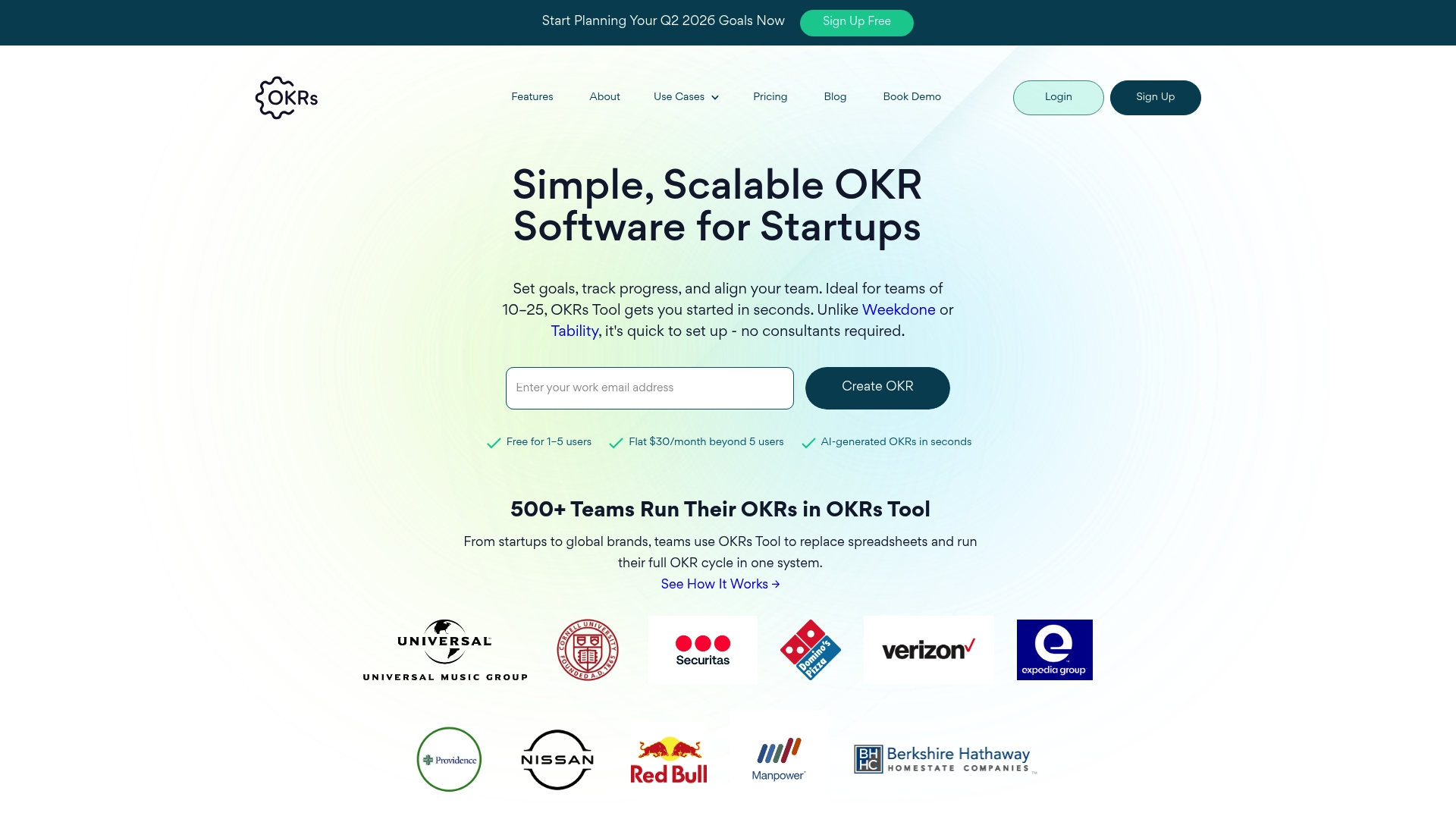
OKRs Tool is a focused OKR platform built for startups and small teams of 10 to 25 people that need quick setup and low overhead. Its strength lies in fast adoption, AI driven OKR drafting, and replacing spreadsheet chaos with a single system.
Core Features
The product manages the full OKR cycle in one system with AI assisted OKR drafting, Weekly check ins, and Unlimited OKRs that keep planning and execution together. It combines goal setting, initiatives, and progress updates into integrated dashboards for visibility.
- AI assisted OKR drafting for faster goal creation and initial wording.
- Weekly check ins and progress tracking to keep cadence and accountability.
- Linking goals to initiatives and single ownership for clear responsibility.
- Real time progress updates with integrated dashboards and Slack integration.
- Customizable roles and permissions plus performance reviews aligned with OKRs.
Pros
- Easy to set up and use without consultants, which reduces onboarding time for small leadership teams.
- Affordable flat pricing removes per user fees and simplifies budgeting for growing headcounts.
- Scalable feature set lets teams expand from basic OKR adoption to more structured goal planning.
- Comprehensive OKR management replaces spreadsheets and centralizes goals, initiatives, and check ins.
- AI driven insights speed early drafting and provide recommendations that save manager hours each cycle.
Cons
- Limited details exist on integrations beyond Slack and Jira, which restricts workflow automation for tool heavy enterprises.
- Complexity increases as teams grow beyond the 10 to 25 user ideal, which can require new governance and training.
- Engagement insights, KPI tracking, and advanced analytics appear behind paid plans, which limits visibility for free tier users.
Who It's For
Startups and small teams of 10 to 25 people that need a quick, affordable, and comprehensive OKR solution will benefit most from OKRs Tool. Product leaders and founders who want visibility and cadence without heavy consulting will find this especially useful.
Unique Value Proposition
OKRs Tool stands out by combining no frills setup with AI driven drafting and a single system that replaces spreadsheets for the full OKR cycle. The platform emphasizes clarity and ownership, which accelerates adoption for resource constrained teams.
Real World Use Case
A startup uses OKRs Tool to replace spreadsheet based goal tracking, run weekly check ins, and align engineering with product priorities. Within the first 90 days teams report faster execution, clearer accountability, and more consistent progress updates.
Pricing
The pricing model is straightforward with a free tier for 1 to 5 users and a flat fee of $30 per month once you exceed five users. Scale and expand plans add AI insights, workflows, analytics, and additional integrations under commercial terms.
Website: https://okrstool.com
Work Management Software Tools Comparison
The following table provides a comprehensive comparison of the featured work management software tools discussed in this article. It outlines their core features, advantages, drawbacks, pricing, and target audience to help you decide which platform suits your needs best.
| Product | Core Features | Pros | Cons | Pricing |
|---|---|---|---|---|
| Outsprinter | Real-time dashboards, KPI management, AI insights | Unified performance tracking, AI-driven analytics | Limited to enterprise-level features | Starter €39/month, Professional €99/month, Business €199/month |
| SmartOKR | OKR setup, weekly check-ins, transparency | Simplified OKR management, free trial availability | Premium cost, limited integrations in basic plans | Pro $7/user/month, Culture $12/user/month |
| Outplanr | Daily task plans, workload visualization, time tracking | Multi-device support, real-time updates | Invitation-only access, pricing undisclosed | Invitation only, 30-day free trial |
| OKRs Tool | AI-assisted OKR drafting, integrated dashboards | Affordable, scalable for small teams | Limited advanced features in free tier | Free for 1-5 users, $30/month flat fee above 5 users |
Streamline Enterprise Task Management with Real-Time Insights
Managing enterprise tasks and performance can feel overwhelming when juggling multiple tools that do not communicate. The challenge is clear: teams need a unified platform to track tasks, projects, and KPIs with instant visibility to avoid delays and risks. Outsprinter addresses these pain points by combining real-time dashboards, comprehensive task management, and KPI controls in one intuitive system. This all-in-one approach eliminates gaps between strategy and execution so your teams stay aligned and proactive.
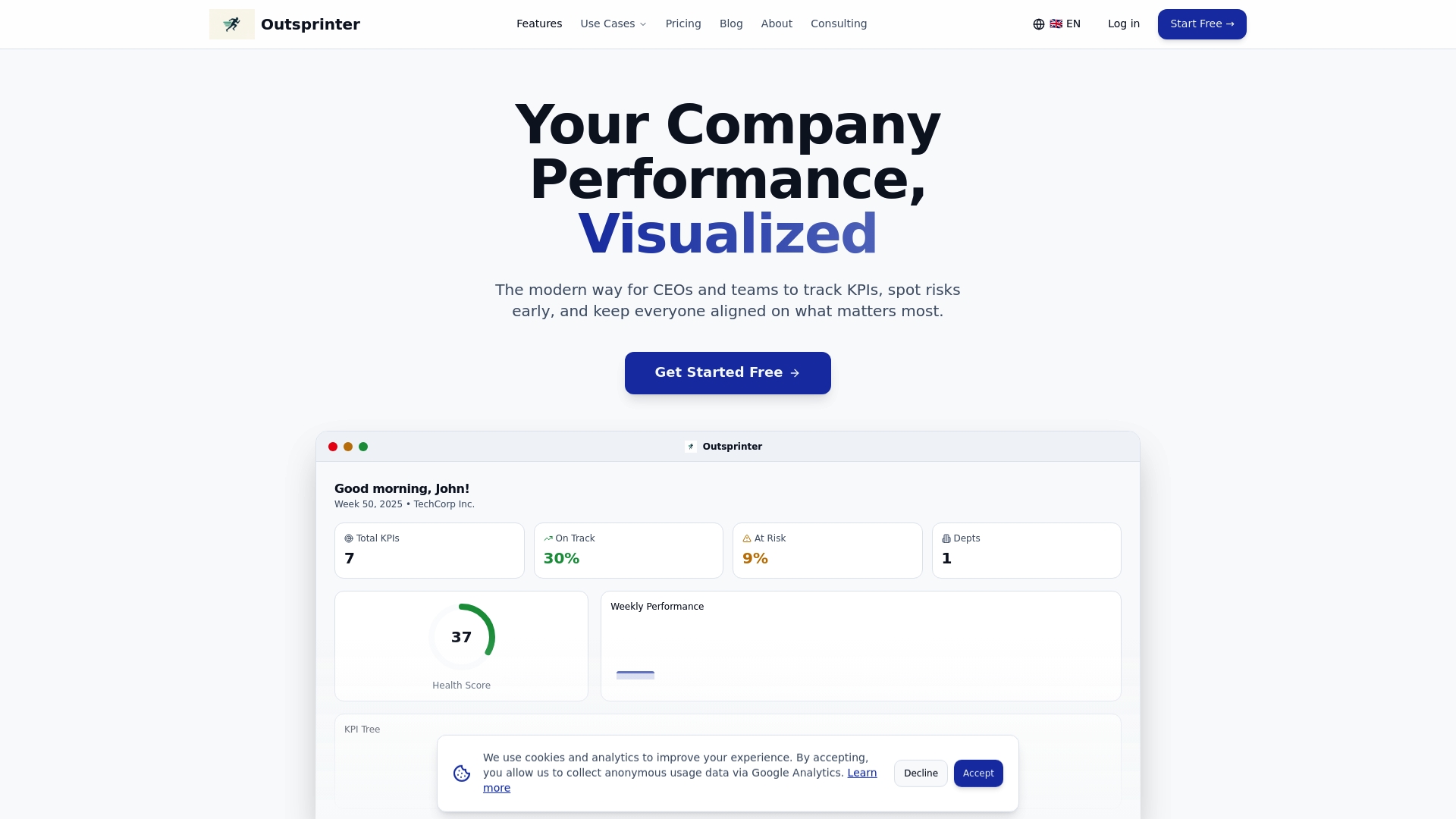
Explore how Outsprinter’s Dashboard and AI Assistant drive faster decision making and risk detection. Start taking control today with advanced Task Management, seamless Project Management, and a Goal Planner that breaks yearly targets into actionable milestones. Visit outsprinter.com now to transform enterprise task workflows and boost your team’s performance with a 14-day free trial.
Frequently Asked Questions
What are the core features to look for in task management tools for enterprises?
Enterprise task management tools should offer features such as real-time dashboards, task assignment, progress tracking, and KPI management. Look for platforms that integrate these functionalities to streamline team workflows and improve performance visibility.
How can task management tools help with performance tracking in a large organization?
Task management tools enable organizations to set clear KPIs and track progress in real time. By utilizing features like workload analysis and automated notifications, teams can quickly identify bottlenecks and adjust resources to stay on track with goals.
What factors should I consider when choosing a task management solution for my enterprise?
When selecting a task management solution, consider factors such as user interface ease, scalability, integration capabilities with existing software, and pricing models. Prioritize tools that align with your organization's specific needs and can grow as your team expands.
How do AI-driven insights in task management platforms improve decision-making?
AI-driven insights analyze data trends and suggest actionable steps, enhancing decision-making speed and accuracy. By relying on these insights, teams can reduce manual analysis time and focus on implementing solutions within 30–60 days to meet their objectives.
What is the importance of user management features in enterprise task management tools?
User management features are crucial for maintaining data security and role-based access within large organizations. Implementing these features allows teams to customize permissions, ensuring that the right individuals have access to sensitive information while promoting accountability.
Recommended
- Team management checklist 2026: boost project execution
- Enterprise | Outsprinter
- Agile Sprint Management: Best Practices for High-Performance Teams | Outsprinter
- Sprints Are Not Just for IT: Why Every Team Needs an Execution Rhythm | Outsprinter
- Top 4 B2B Order Management Tools 2026 for Efficient Sales
- Top 4 Goteamup.com Alternatives in 2026 for Gym... - Finegym