Keeping your tasks organized can feel like a neverending puzzle. Every day brings new projects, deadlines, and lists that keep growing. The right software can transform scattered notes and forgotten reminders into a clear plan that actually works. Imagine cutting out confusion and finally feeling ahead of schedule. There are tools out there built to make your day less stressful and a lot more productive. Which one will make that difference for you?
Table of Contents
Outsprinter
At a Glance
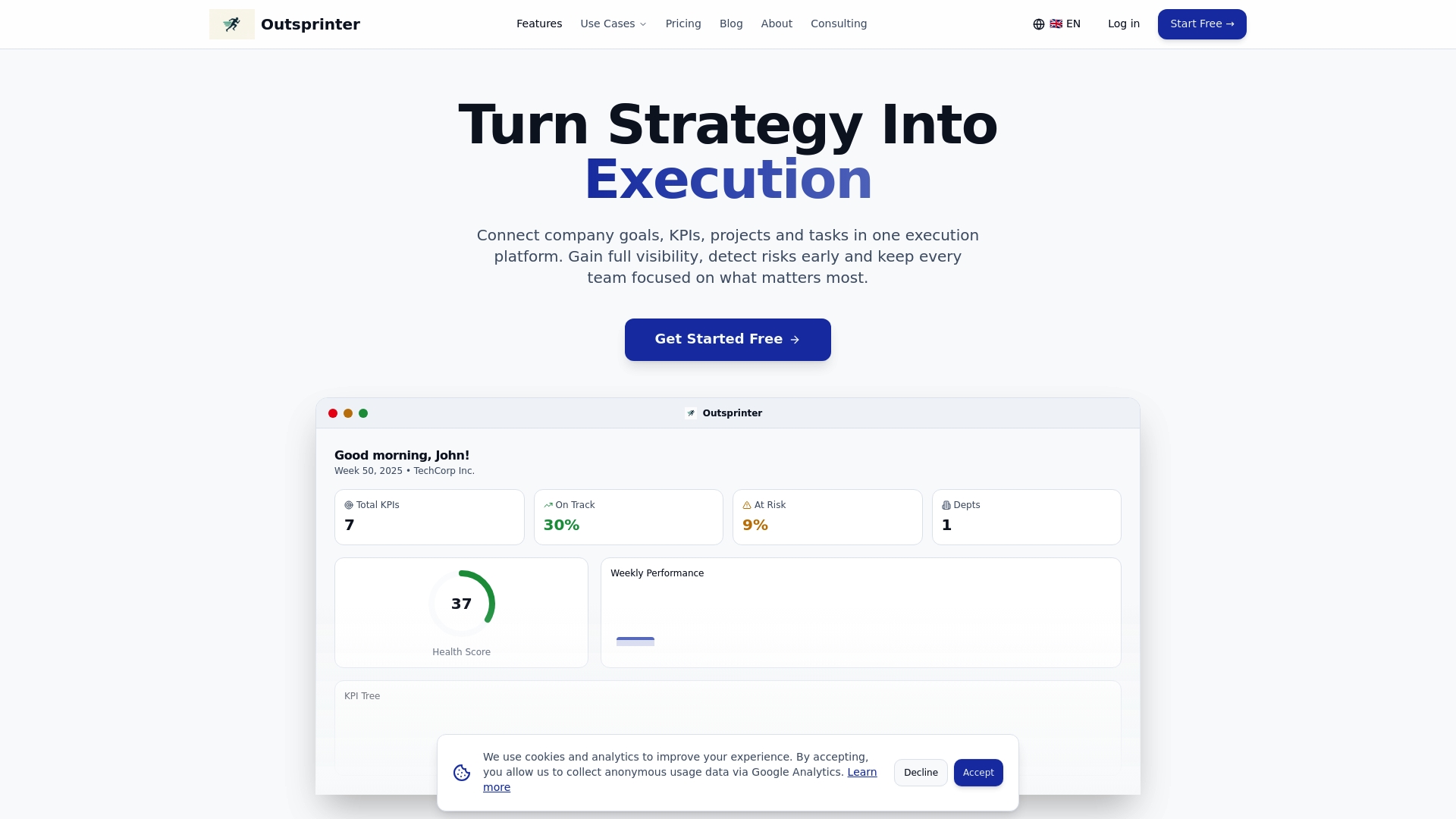
Outsprinter is the leading performance management platform that connects company goals, KPIs, projects, and tasks in one cohesive interface. It provides real time visibility and AI insights so mid sized teams can turn strategy into measurable execution without adding complexity.
Core Features
Core capabilities center on the Dashboard and Task Management modules which deliver instant performance charts and task tracking. The platform also packs Project Management, KPI Management, Goal Planner, User Management, AI Assistant, Notifications, and Data Import Export.
-
Dashboard with real time performance charts
-
Task management with priorities deadlines subtasks recurring rules
-
Project management with health metrics workload analysis and progress tracking
-
KPI management and visualization
-
Goal planner for yearly targets and weekly milestones
-
User management with org structure role based access and department permissions
-
AI Assistant for KPI planning performance analysis and actionable insights
-
Notifications for task updates KPI changes and team activity
-
Data import export from Excel and CSV reporting
Pros
-
Comprehensive visibility into company performance. Outsprinter centralizes goals KPIs projects and tasks so you view strategic and operational metrics from one screen.
-
Integration of multiple performance elements in one platform. Linking KPIs to projects and tasks removes manual tracking and prevents siloed reporting.
-
Real time data updates and AI insights. Dashboards update as teams enter data and the AI Assistant surfaces risks and improvement opportunities.
-
Support for various company sizes and departments. Modules and permissions let you scale from small teams to enterprise orgs while keeping data access controlled.
-
Customization options for KPIs and goals. You can tailor metrics and milestone cadences to mirror strategic plans and reporting rhythms.
Who It’s For
Outsprinter is built for CEOs team leaders and operations managers at mid sized companies who need a single source of truth for strategy execution. If you run cross functional teams and must align KPIs with day to day work this platform fits your needs.
Unique Value Proposition
Outsprinter delivers a top tier integrated approach that most competitors do not match. The platform ties strategic goals directly to project health and task status so leadership sees impact in real time. The AI Assistant amplifies that link by analyzing KPI trends and recommending adjustments. Pricing tiers are positioned for ROI minded teams and the product intentionally favors depth over minimalism so analytics driven organizations get advanced controls rather than a simplified checklist. Sophisticated buyers choose Outsprinter for its industry leading visibility configurable KPIs and role based governance which together reduce reporting overhead and accelerate decision cycles.
Real World Use Case
A mid sized company implemented Outsprinter to monitor strategic KPIs assign tasks and track project progress. The result included earlier risk detection more focused team effort and clearer quarterly reviews tied to measurable milestones.
Pricing
Outsprinter offers a Starter plan at €39 per month a Professional plan at €99 per month and a Business plan at €199 per month. A 14 day free trial is available to evaluate the platform.
Website: https://outsprinter.com
Outplanr
At a Glance
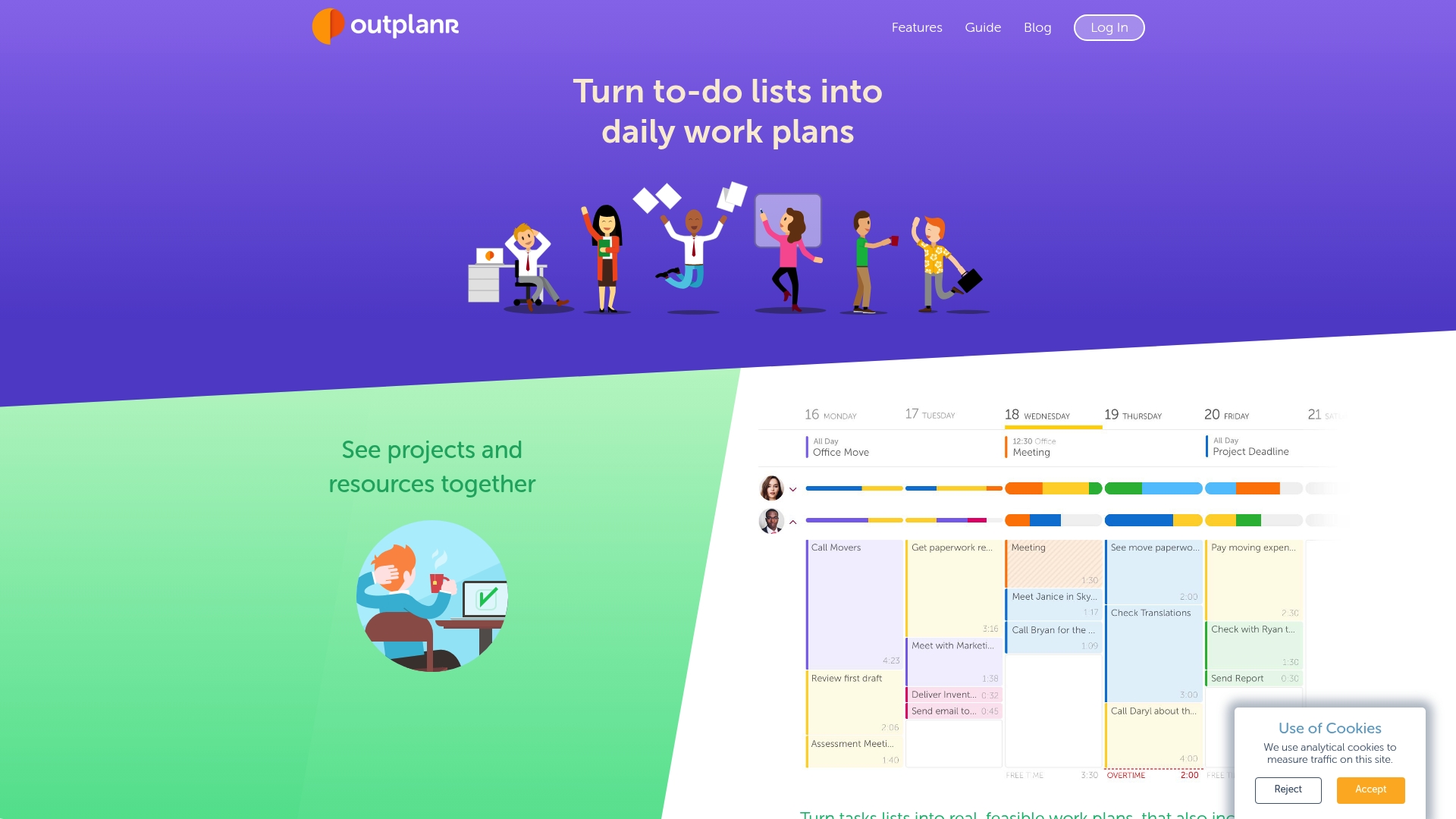
Outplanr turns task lists into actionable daily plans while helping teams avoid overload. It emphasizes workload visualization, daily planning, and time tracking to keep projects on schedule and reduce burnout.
Core Features
Outplanr converts task lists into daily work plans that account for meetings and available capacity. The platform offers team workload visualization, real time task progress, time versus estimate tracking, and daily email reminders you can check off as completed.
Pros
-
Integrates with major tools: Outplanr connects with Slack, Asana, Google Calendar, and Outlook so your task data stays in sync across systems.
-
Mobile and desktop access: The platform is accessible on desktop and on Android and iPhone which helps managers and staff update plans while away from a desk.
-
Real time tracking and visibility: Real time task progress and workload views help you spot bottlenecks and reassign tasks quickly.
-
Planning plus time tracking: Combining planning, resource allocation, and time tracking in one view simplifies reporting and accountability.
-
Generous trial period: A 30 day trial by invitation provides time for teams to test the workflow before committing.
Cons
-
Limited pricing transparency: The website does not list pricing details which makes budget planning harder for mid sized teams.
-
Advanced feature details are scarce: The public information does not describe advanced capabilities so you will need direct conversations to confirm enterprise needs.
-
Reliance on external reviews for gaps: The provided content notes a need for independent reviews which means user experience and edge case behavior are not well documented.
Who It’s For
Outplanr fits project managers and team leaders at mid sized companies who need a visual way to plan daily work and balance resources across projects. It is useful for teams that schedule meetings regularly and need to fold those into daily capacity planning.
Unique Value Proposition
Outplanr focuses on converting to do lists into realistic daily schedules while making workload visible across projects. That combination of meeting aware planning, workload balancing, and time versus estimate tracking positions it as a planner that prevents overload and supports predictable delivery.
Real World Use Case
A marketing team uses Outplanr to set daily priorities, allocate campaign tasks across five team members, and track hours spent versus estimates. Team leads receive daily email checklists and managers watch workload views to prevent over allocation before deadlines.
Pricing
Pricing details are not published. You must request an invitation to get a full 30 day trial and to learn about paid plans and enterprise options.
Website: https://outplanr.com
monday.com
At a Glance
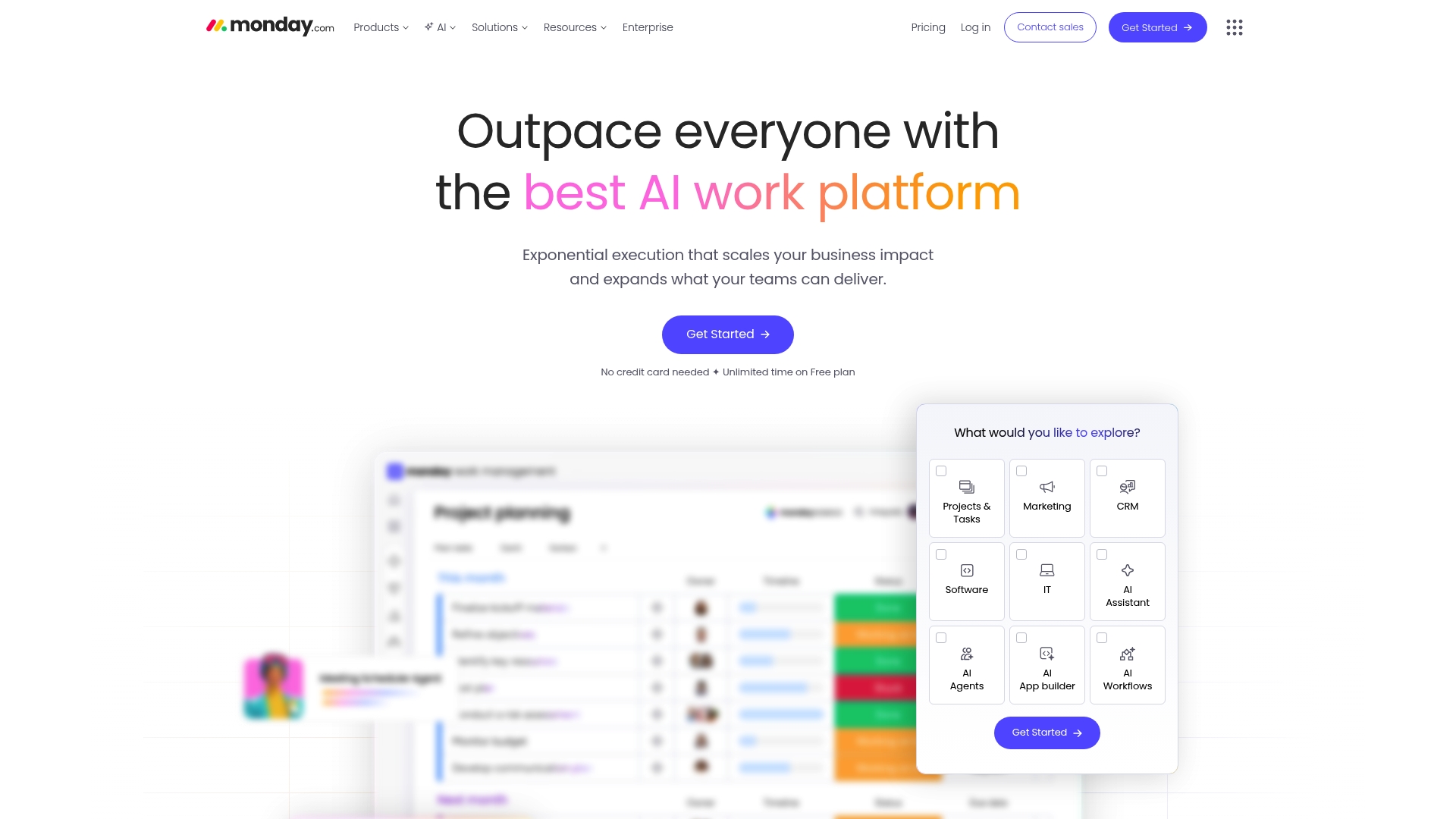
monday.com is a work operating system that gives teams configurable tools to manage projects, CRM, and service workflows with AI assistance. It balances broad capability with a steeper learning curve, making it powerful for organized teams.
Core Features
The platform provides boards, dashboards, and automations for work management alongside CRM and customer journey automation. It includes AI powered tools such as Sidekick and agents plus Gantt, timeline, calendar, Docs, forms, and asset management.
Pros
-
Highly customizable and flexible: Administrators can tailor boards, views, and automations to match department level processes without code.
-
Powerful AI integration: Built in AI tools help summarize work, suggest automations, and accelerate decision making across projects.
-
Extensive integrations: Native connections to common productivity and developer tools centralize data and reduce context switching.
-
Scalable security and compliance: The platform supports enterprise grade controls that suit regulated teams and larger organizations.
-
Supports diverse industries: Templates and solution packs address marketing, development, operations, and customer service needs across teams.
Cons
-
Complex interface for new users: The range of views and settings creates a learning curve for teams that need fast onboarding.
-
Pricing may be high for small teams: Advanced functionality often requires Pro or Enterprise plans that increase per user costs.
-
Overwhelming features for simple needs: Teams seeking lightweight task lists will find the breadth of options unnecessary and distracting.
Who It Is For
Project managers and team leaders at mid sized companies who need a single platform for project planning, CRM, and automation will benefit most. If you manage cross functional teams and report KPIs, monday.com fits your operational needs and growth plans.
Unique Value Proposition
monday.com’s strength lies in combining configurable work structures with AI features and enterprise grade governance. The platform adapts from simple task boards to complex program level dashboards while keeping integrations and reporting centralized.
Real World Use Case
A multinational marketing agency uses monday.com to coordinate campaigns, manage client communications, and automate reporting. The agency reduced manual status meetings by running dashboards that show campaign health, deadlines, and client feedback in real time.
Pricing
A free plan is available for basic use. Paid plans start at $9 per user per month for Basic and $12 per user per month for Standard, with higher tiers for Pro and Enterprise that add advanced automations and security.
Website: https://monday.com
Asana
At a Glance
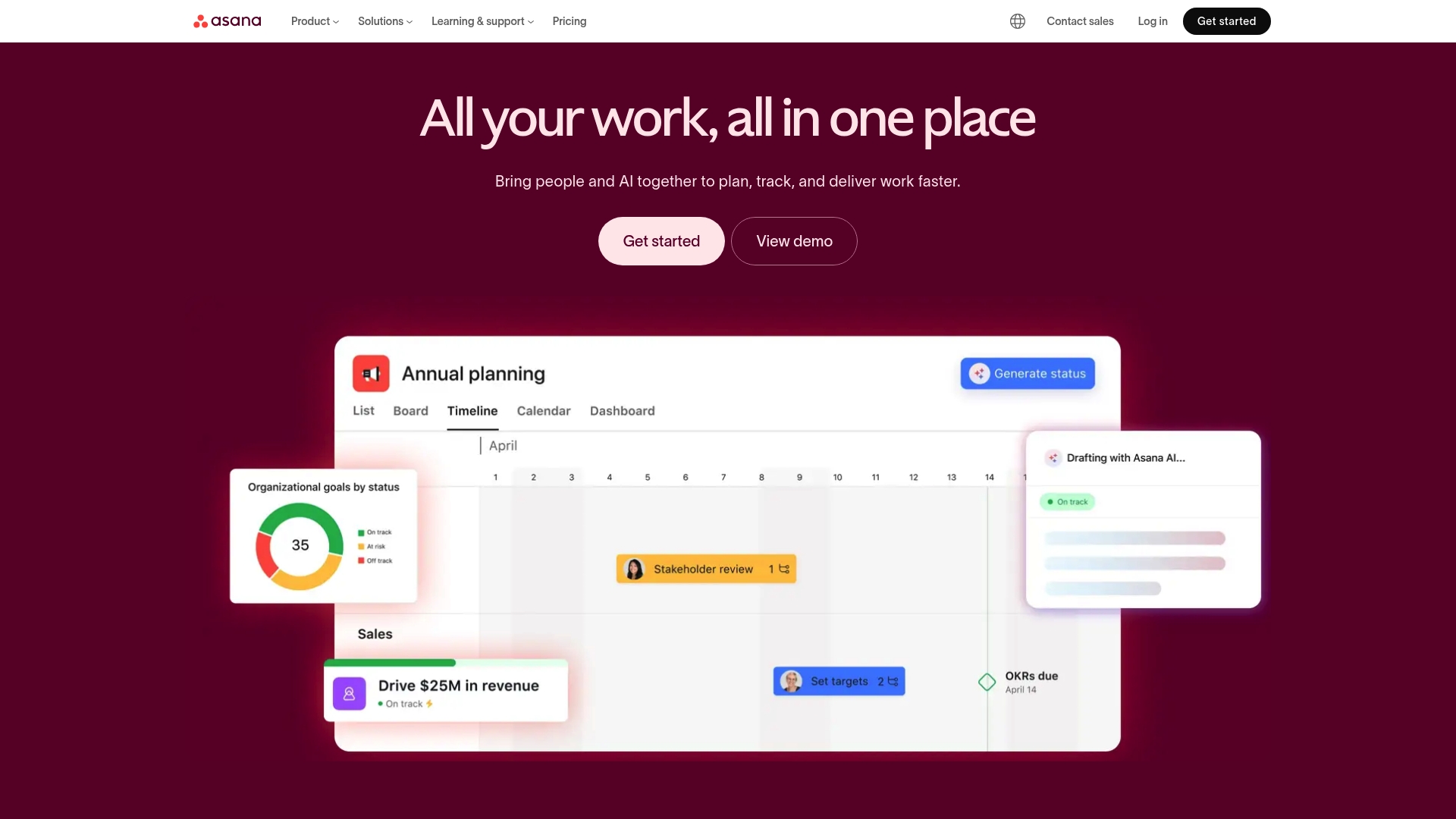
Asana is a scalable work management platform that helps teams plan, track, and manage work with AI-enhanced assistance. It combines task management flexibility with reporting and integrations suited to mid-sized organizations.
Takeaway: A strong choice when you need AI features plus multiple ways to view work.
Core Features
Asana centers on unlimited tasks and projects, with multiple views including list, board, calendar, and timeline to match different team habits. The product includes automation and workflows, AI features like Smart Assist and AI Studio, plus goal and portfolio tracking with visual dashboards and analytics.
Takeaway: Use these features to map workflows, reduce manual updates, and visualize progress across projects.
Pros
-
Comprehensive task and project management features: Asana supports subtasks, priorities, dependencies, and recurring rules so teams can capture detailed work without added tools.
-
Strong integration ecosystem: It connects to more than 300 apps, which lets you centralize files, messages, and CRM data within project contexts.
-
Robust AI and automation functionalities: Built-in automations and AI tools reduce repetitive work and help generate task summaries or suggested next steps.
-
Flexible views and customizable workflows: Teams can switch between boards, lists, and timelines to match sprint planning or waterfall schedules.
-
Good for teams of all sizes and industries: The platform accommodates small groups and scales to enterprise needs with permissions and admin controls.
Takeaway: These strengths make Asana versatile for both day to day task work and higher level portfolio tracking.
Cons
-
Pricing can be high for larger teams or enterprise features: Advanced reporting, security controls, and AI capabilities often require higher tier plans which increase per user costs.
-
Learning curve for advanced features and customization: Building complex automations and custom reporting requires time and some technical familiarity.
-
Some users report performance issues with large data sets: Projects with very large task volumes can slow down list rendering and search responsiveness.
Takeaway: Budget and onboarding plans deserve attention before committing company wide.
Who It’s For
Asana fits teams that need a flexible, scalable work management solution with AI capabilities. Project managers and team leads at mid-sized companies will appreciate portfolio views, role based controls, and the integration options when coordinating cross functional work.
Takeaway: Choose Asana if your team values multiple views and deep integrations.
Unique Value Proposition
Asana combines broad task management with AI features and a large integration catalog. The balance of visual dashboards, automation, and portfolio reporting lets leaders track outcomes while teams manage daily work in their preferred view.
Takeaway: It bridges tactical task work and strategic reporting in one platform.
Real World Use Case
A marketing team uses Asana to coordinate campaign launches, assign assets, automate approval steps, and report progress to stakeholders. Integrations with Slack and Google Drive keep conversations and files attached to tasks for faster handoffs.
Takeaway: Works well for cross functional campaigns with tight deadlines.
Pricing
Free for basic features for up to 15 users. Paid plans start at $10.99 per user/month for Starter and $24.99 per user/month for Advanced, with custom pricing for Enterprise.
Takeaway: Start with the free tier and pilot Advanced features before rolling out broadly.
Website: https://asana.com
ClickUp
At a Glance
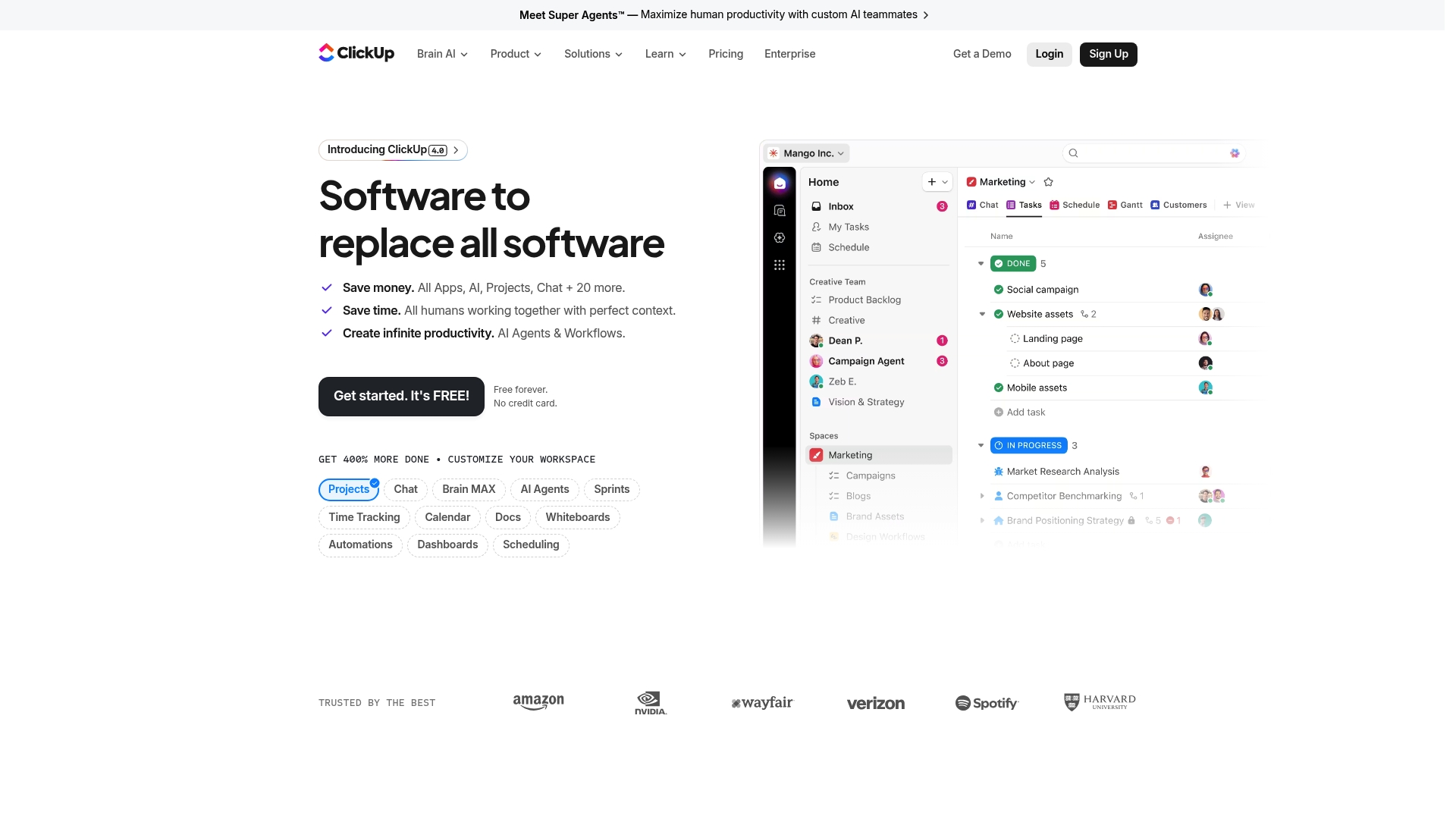
ClickUp is a centralized productivity workspace that aims to replace separate tools with a single platform powered by AI-powered agents and deep automation. It offers broad project management capabilities and strong security, making it a serious option for mid-sized teams that need one platform for many workflows.
Core Features
ClickUp combines project management tools, collaboration spaces, and automation in one interface to reduce app switching for teams. Its feature set includes tasks, docs, whiteboards, Gantt charts, calendars, and AI chat and insights tied to major AI models.
-
Unified platform to replace multiple work apps
-
Automation capabilities for repetitive workflows
-
AI chat and notes integrated with external AI models
Pros
-
All-in-one consolidation: ClickUp consolidates multiple work tools into one workspace so teams spend less time switching between apps.
-
Strong AI integration: The platform includes AI-powered agents and AI chat that assist with content, task generation, and routine decisions to speed up work.
-
Highly customizable: Users can tailor views, fields, and automations to mirror existing processes without rebuilding workflows from scratch.
-
Enterprise-grade security: ClickUp supports SOC 2, ISO 27001, GDPR, and HIPAA compliance to meet regulatory and security needs for larger organizations.
-
Free forever option: A no-cost tier allows small teams to start without financial commitment and scale up to paid plans when necessary.
Cons
-
Complex interface learning curve: The breadth of features makes the interface dense, so new users often need time and training to use advanced functionality effectively.
-
Pricing for larger teams: Costs can rise quickly for big teams or enterprise-level feature sets, which increases total ownership costs.
-
All-in-one tradeoffs: Teams that prefer highly specialized tools for one function may find ClickUp less focused than dedicated single-purpose apps.
Who It’s For
ClickUp fits organizations that want to centralize project management, collaboration, and automation in one AI-enabled workspace. Project managers and team leaders at mid-sized companies will get the most value when they need visibility across teams and want to reduce tool sprawl.
Unique Value Proposition
ClickUp’s key value is combining extensive project management features with AI assistance and enterprise security in a single platform. That combination targets teams that want fewer vendors, built-in automation, and AI support without sacrificing compliance.
Real World Use Case
A marketing team uses ClickUp to plan campaigns, assign tasks automatically, and generate creative briefs with AI assistance. The result is faster campaign launches, fewer manual handoffs, and clearer accountability across design, content, and analytics.
Pricing
ClickUp offers a Free forever plan with paid plans starting at $7 per user per month when billed yearly, and enterprise options available through sales for larger teams and custom needs.
Website: https://clickup.com
Wrike
At a Glance
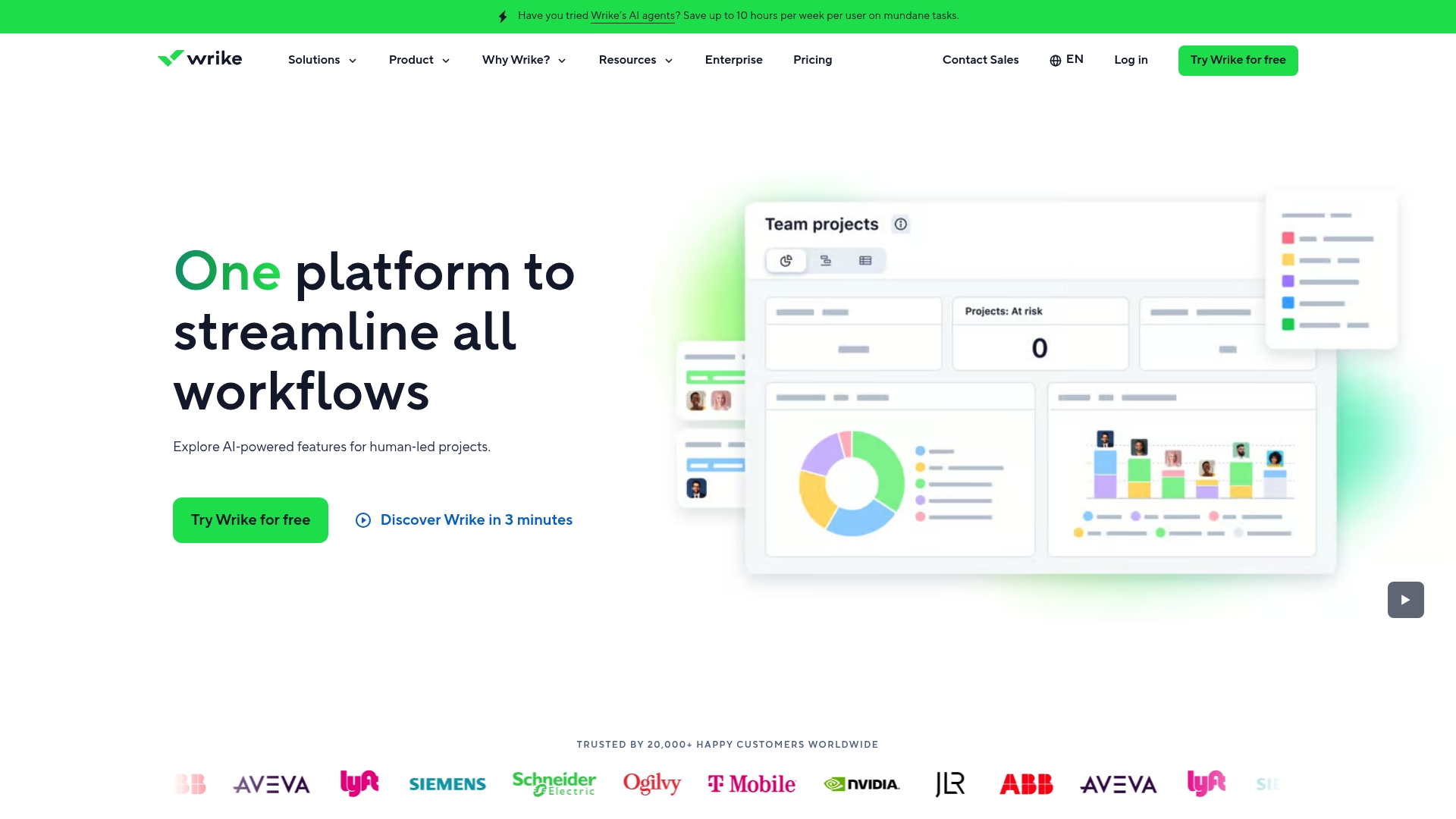
Wrike is a cloud based work management platform that combines AI driven automation with configurable project views to help teams plan, track, and report work. Its strength is in flexible project tooling and analytics for mid sized teams that need measurable outcomes.
Core Features
Wrike includes AI agents to automate workflows and Wrike Copilot for data driven decision making alongside classic project tools. Users get Gantt charts, Kanban boards, and table views plus automation for approvals and routine tasks.
The platform also offers advanced analytics and real time dashboards, workload and capacity planning, broad integrations with Slack Microsoft and Google Workspace, and strong security with role based access control and encryption.
Pros
-
Highly customizable platform: Wrike adapts to different industries and project types so teams can shape workflows to match their processes.
-
Powerful AI and automation: Built in AI agents and Copilot reduce repetitive work and surface actionable data for planning and prioritization.
-
Robust security posture: Role based access control and encryption support compliance and protect sensitive project data for regulated environments.
-
Extensive integrations: Native connections to common communication and productivity apps keep work centralized and reduce context switching.
-
Multiple project views: Gantt Kanban and table views give managers flexible ways to visualize timelines dependencies and team workloads.
Cons
-
Steep learning curve for new users: The platform�offers many advanced features which can require time and training for teams to use effectively.
-
Higher cost at scale: Pricing for Business Pinnacle and Apex tiers can become expensive for larger teams that need advanced analytics and enterprise features.
-
Mobile app limitations: Some users report that the mobile experience lacks parity with the desktop feature set which limits full task management on the go.
Who It’s For
Wrike fits project managers and team leaders at mid sized companies who need a flexible work management system with strong reporting and security. Choose Wrike if your team requires customization automation and measurable KPIs across projects.
Unique Value Proposition
Wrike stands out by combining configurable project views with AI powered automation and real time analytics. That mix lets managers plan with precision allocate resources with clarity and pull reports that show actual performance against goals.
Real World Use Case
A marketing team uses Wrike to plan campaigns assign tasks review creatives and automate approval gates. Real time dashboards show campaign progress and resource load so leaders reallocate effort before deadlines slip.
Pricing
Pricing starts with a free plan and moves up through Team Business Pinnacle and Apex tiers with increasing features for automation analytics and enterprise security. Specific per month pricing and enterprise quotes are available on the Wrike website.
Website
Website: https://wrike.com
Smartsheet
At a Glance
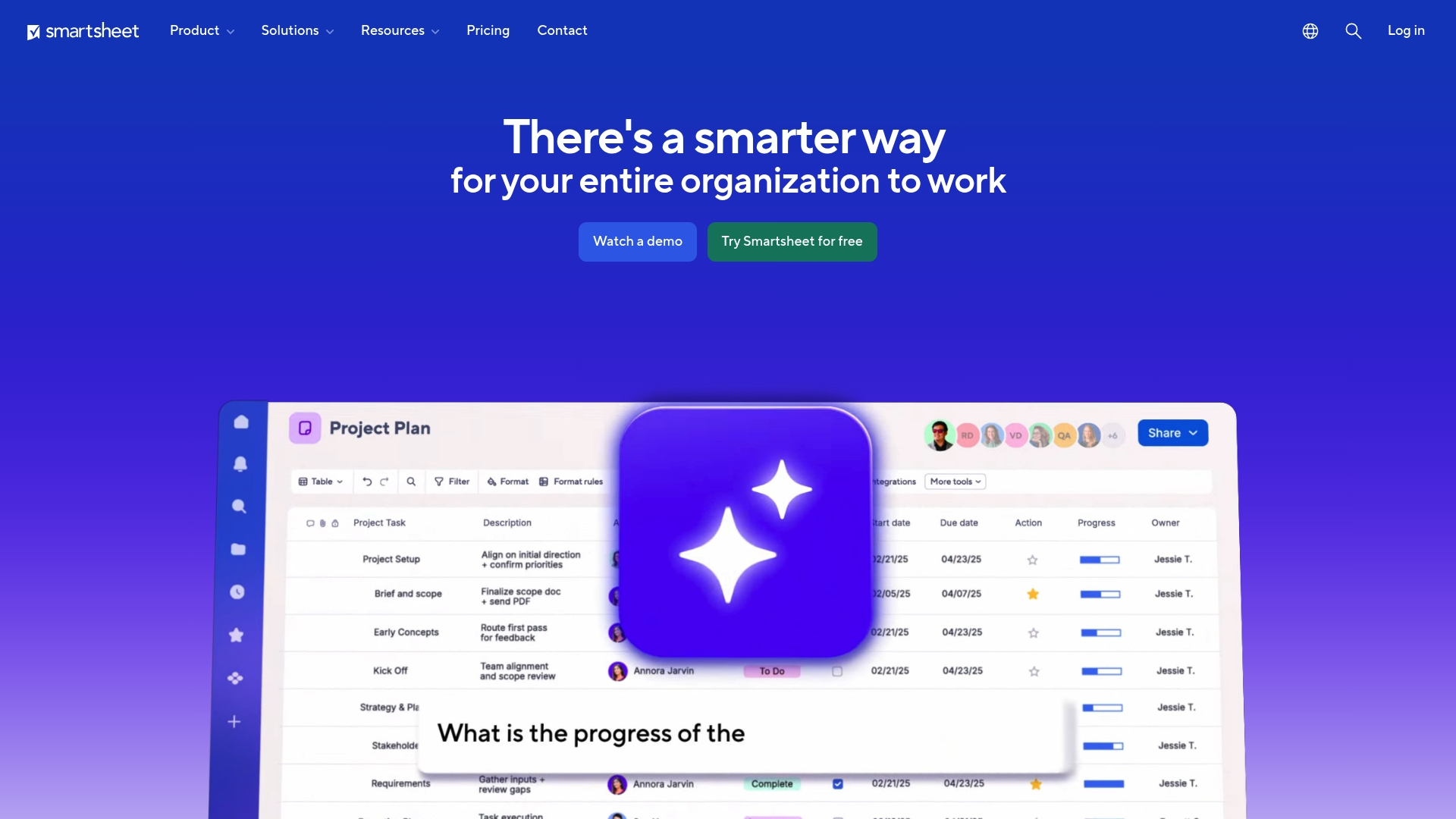
Smartsheet is a platform for managing projects, automating workflows, and building solutions at scale that combines collaboration tools with data visualization and AI powered intelligence. Its strength lies in balancing enterprise grade capabilities with a familiar, spreadsheet like interface.
Quick takeaway: Try Smartsheet when you need a single platform to run complex portfolios while keeping stakeholders informed.
Core Features
Smartsheet supports project management, workflow automation, and solution building at scale while offering AI powered intelligence for insights and analysis and dashboards and reporting for decision making. It also includes features for team collaboration and automation of repetitive tasks that reduce manual work.
Important feature note: The platform offers multiple views such as Gantt, calendar, and Kanban to match different team preferences.
Pros
-
Comprehensive project management features: Smartsheet provides planning, tracking, and portfolio views that cover both tactical task work and strategic project oversight.
-
Strong integration capabilities with other tools: The platform connects with common enterprise systems so data flows into one place for reporting and automation.
-
Scalable solutions suitable for organizations of various sizes: Plans and governance features let you expand from single teams to organization level portfolios.
-
Enterprise grade security and compliance: Smartsheet includes controls and policies that match corporate security requirements for larger organizations.
-
User friendly interface with multiple views: Teams can choose Gantt, calendar, or Kanban displays to match how they work without rebuilding plans.
Cons
-
Pricing could be high for smaller teams or individual users because advanced features and enterprise capabilities are priced for organization sized deployments.
-
Complexity may require training for new users since automation rules and solution building have a learning curve for teams without a dedicated admin.
-
Some features are available only in higher tier plans which can force upgrades when you need advanced reporting or governance.
Short action: Factor in training time and license tiers when budgeting for Smartsheet adoption.
Who It’s For
Smartsheet fits organizations looking for a flexible and scalable work management platform that integrates with existing tools and supports collaboration, automation, and data insights. Project managers and team leaders at mid sized companies running complex projects or portfolios will get the most value from its governance and reporting capabilities.
Recommendation: Choose Smartsheet if you have cross functional teams and need centralized visibility across multiple projects.
Unique Value Proposition
Smartsheet combines solution building, automation, and enterprise security with easy to adopt views and strong reporting. Its unique value is enabling PMOs and delivery teams to scale standard processes while extracting data driven insights from combined project and operational data.
Practical note: Use Smartsheet to enforce consistent workflows while keeping executives updated with visual dashboards.
Real World Use Case
Large organizations use Smartsheet to improve PMO efficiency and throughput. For example, Roche manages 30% more projects with the same team and Uber reduced marketing lifecycle time by nearly half. McLaren Racing accelerated PMO efficiency to support faster decision making.
Operational tip: Start with a single portfolio to prove outcomes, then expand templates and automations.
Pricing
Smartsheet offers multiple plans including Pro, Business, Enterprise, and Advanced Work Management with customized pricing based on organization size and needs. Contact sales for exact quotes and compare feature availability across plans before committing.
Final step: Request a trial or demo to map license tiers to your use cases.
Website: https://smartsheet.com
Productivity and Project Management Tools Comparison
Below is a comprehensive comparison of the discussed productivity and project management tools for teams and managers. This table highlights their main features, strengths, weaknesses, pricing, and target audience.
| Tool | Core Features | Pros | Cons | Pricing |
| Outsprinter | Dashboard, task and project management, KPI planning, AI insights. | Integration of compaly level goals and KPI's with daily work and tasks to keep the focus. | Lack of integrations available with other popular tools | Starter €39/mo; Pro €99/mo; Business €199/mo. |
| Outplanr | Converts task lists into daily plans, workload balancing, connects with popular tools. | Planning-aware scheduling, real-time tracking, mobile access. | Lack of clear pricing; absence of advanced documentation. | Trial by invitation; detailed pricing unavailable. |
| monday.com | Work operating system, customizable boards, dashboards, robust automation. | AI integrations, flexible for various departments. | High learning curve for advanced tools. | Basic $9/user/mo; Standard $12/user/mo. |
| Asana | Task and goal management, multiple flexible views, AI automation, and strong integration ecosystem. | Powerful task management and AI assistance. | Pricier for advanced tiers. | Free with limitations; Advanced from $10.99/user/mo. |
| ClickUp | All-in-one solution with project tools, AI agents, and customizable views. | Consolidated single platform with compliance-grade security. | Interface complexity for new users. | Free tier; Paid from $7/user/mo annually. |
| Wrike | Flexible project views, AI-powered agents, strong security, and analytics-driven dashboards. | Advanced automation and customization for industries. | Higher scaling costs; steep learning curve. | Business plans scale based on needs. |
| Smartsheet | Spreadsheet-inspired interface supporting portfolio management, collaboration, and workflow automation. | Enterprise-grade with multiple views and strong integrations. | Complexity requires training; some features tier-locked. | Pro plan available; enterprise features custom-priced. |
Ensure to assess specific team needs to select the tool that best suits your project and organizational requirements.
Streamline Your Task Management with Outsprinter
The article highlights common challenges such as juggling multiple tasks, aligning KPIs with daily work, and ensuring real-time visibility into project progress. If you are tired of fragmented tools and manual tracking that slow down your team’s productivity, Outsprinter offers a powerful solution designed specifically for mid-sized teams seeking clarity and control. Our platform connects dashboard visuals, task management, KPI tracking, and AI-driven insights in one place to eliminate confusion and accelerate execution.
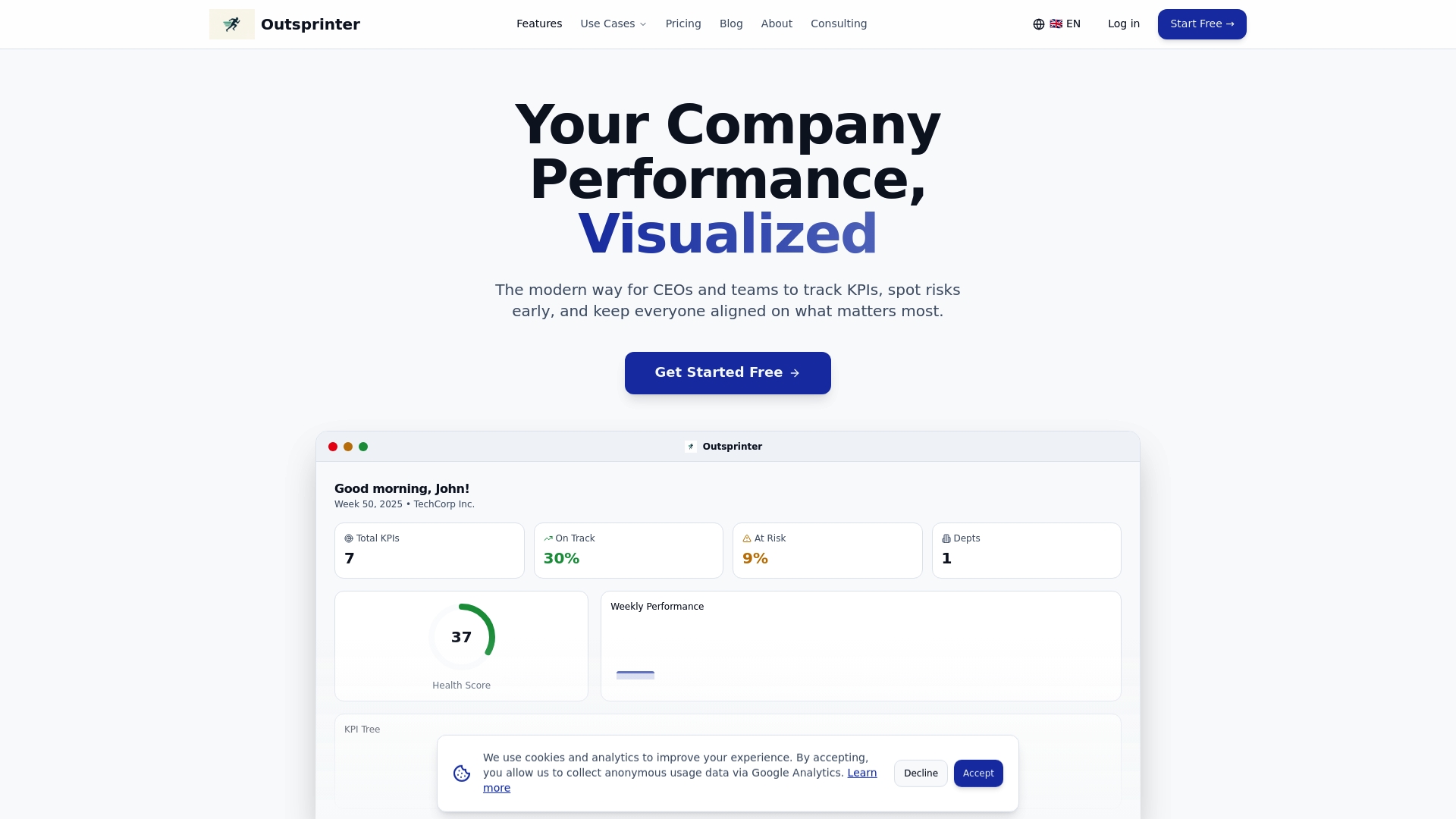
Discover how Outsprinter helps you create, assign, and monitor tasks with priorities, subtasks, and recurring rules while linking them directly to your strategic goals. Don’t wait to improve your team’s performance tracking and streamline every project step. Visit Outsprinter to start your journey toward smarter task management now.
Frequently Asked Questions
What features should I look for in task management software?
To effectively manage tasks, you should look for features like task assignment, progress tracking, collaboration tools, and reporting capabilities. Focus on tools that allow you to visualize workloads and prioritize tasks effectively, which can significantly enhance your team’s productivity.
How can task management software improve team collaboration?
Task management software enhances team collaboration by providing a centralized platform for communication and task assignments. Implement a solution that allows team members to share updates, feedback, and documents in real time, promoting greater transparency and alignment on projects.
How do I choose the right task management software for my team?
Evaluate task management software by considering your team’s specific needs, such as size, project complexity, and preferred working style. Conduct trials with a few options to assess how well they integrate into your current workflows, aiming to identify the software that best fits your team’s dynamics and objectives.
Can task management software help with deadline management?
Yes, task management software often includes deadline tracking features that send reminders and visualize timelines. Set up alerts and notifications to stay ahead of deadlines, which can help reduce missed due dates by up to 30%.
Will task management software help in tracking project progress?
Absolutely, task management software typically provides tools to track project progress through dashboards and visual reports. Utilize these features to regularly monitor your project’s status, allowing for timely adjustments that can keep your projects on track and within budget.
How can I ensure my team adapts to new task management software?
Facilitate your team’s adaptation by providing training and ongoing support as they transition to the new task management software. Encourage feedback and make adjustments based on their experiences to drive engagement and improve overall effectiveness within the first month.