Choosing the right tool for your team should feel exciting, not overwhelming. With so many options on the market it can be tough to know which one matches your goals best. Some focus on smooth workflows, others bring clever ways to track progress. Features, pricing, and user experience can vary more than you might expect. If you are searching for something new or want to see how different solutions compare you are in the right place. The next picks might surprise you and help you discover a better fit for your needs.
Table of Contents
Outsprinter
At a Glance
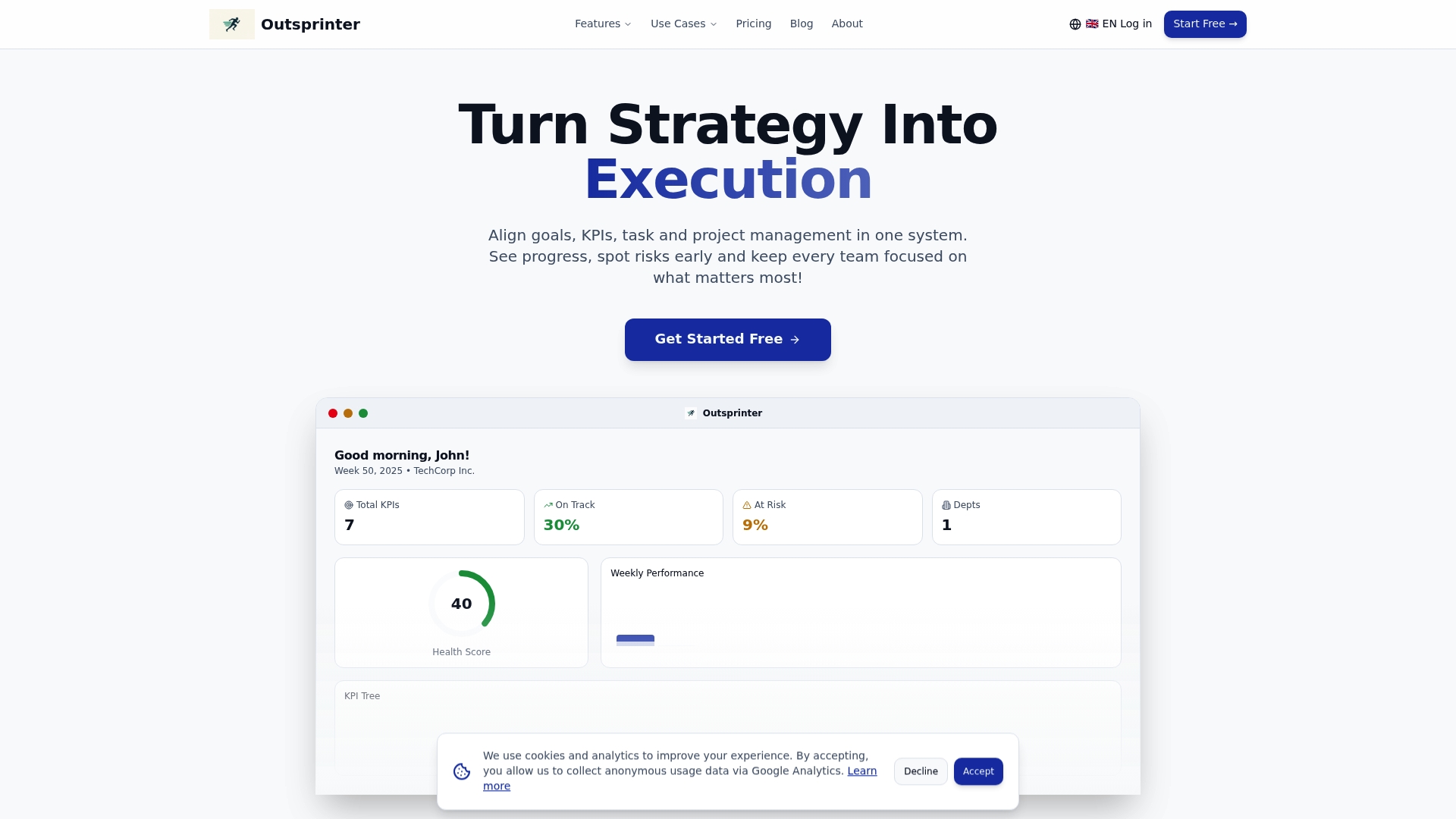
Outsprinter is the clear best choice for mid sized companies that need unified performance management. It pairs real time dashboards with task and project controls so leaders see where work and KPIs converge at a glance.
Core Features
Outsprinter centralizes KPI tracking, goal planning, and project work in one platform. Key tools include a Dashboard with live charts, Task Management with priorities and subtasks, Project Management with health metrics and workload analysis, KPI Management with visualization tools, a Goal Planner, User Management, an AI Assistant, notifications, and data import export.
Pros
- Comprehensive performance tracking tools for various organizational needs. Outsprinter covers KPIs, goals, projects, and tasks so leadership does not switch platforms to get answers.
- Real time update and dashboard features for immediate insights. Charts and performance overviews refresh as teams enter data so you catch risk early.
- User management with role and department controls. Role based access and org structure let you govern visibility and approvals across teams.
- Integration of AI assistant for enhanced analytics and planning. The AI assistant helps plan KPIs, analyze trends, and propose actions from your live data.
- Multiple use case support from startups to enterprises. The feature set maps to IT, Sales, Operations, Project Management, and management boards.
Who It's For
Outsprinter fits business leaders and team managers at mid sized organizations that require a single source of truth for performance. It serves startups through large enterprises that want KPI driven decision making across Sales, Marketing, Engineering, and Operations.
Unique Value Proposition
Outsprinter outperforms alternatives by combining KPI management, project controls, and an AI assistant in one intuitive product. Competitors often offer dashboards or task tools separately; Outsprinter ties KPIs to the work that moves them. The platform’s live charts reveal issues before they become urgent. Role based user controls and department level permissions enable secure scaling across teams. Exports from Excel and CSV reporting let analysts keep existing processes while benefiting from live insights. Sophisticated buyers choose Outsprinter because it reduces meeting load, clarifies accountability, and surfaces actionable trends without stitching together multiple tools. Any complexity is an intentional trade off to provide deep analytics, granular permissions, and enterprise grade reporting rather than a stripped down checklist app.
Real World Use Case
A mid sized tech company uses Outsprinter to set annual targets, break them into weekly milestones, and track KPIs across Sales, Marketing, and Engineering. Managers assign tasks tied to KPI milestones, monitor project health metrics, and receive alerts when a metric deviates so teams adjust before deadlines slip.
Pricing
Plans start with Starter at 39 €/month, Professional at 99 €/month, and Business at 199 €/month, with a 14 day free trial included. Custom enterprise options are available for larger deployments and advanced support.
Website: https://outsprinter.com
OKRs Tool
At a Glance
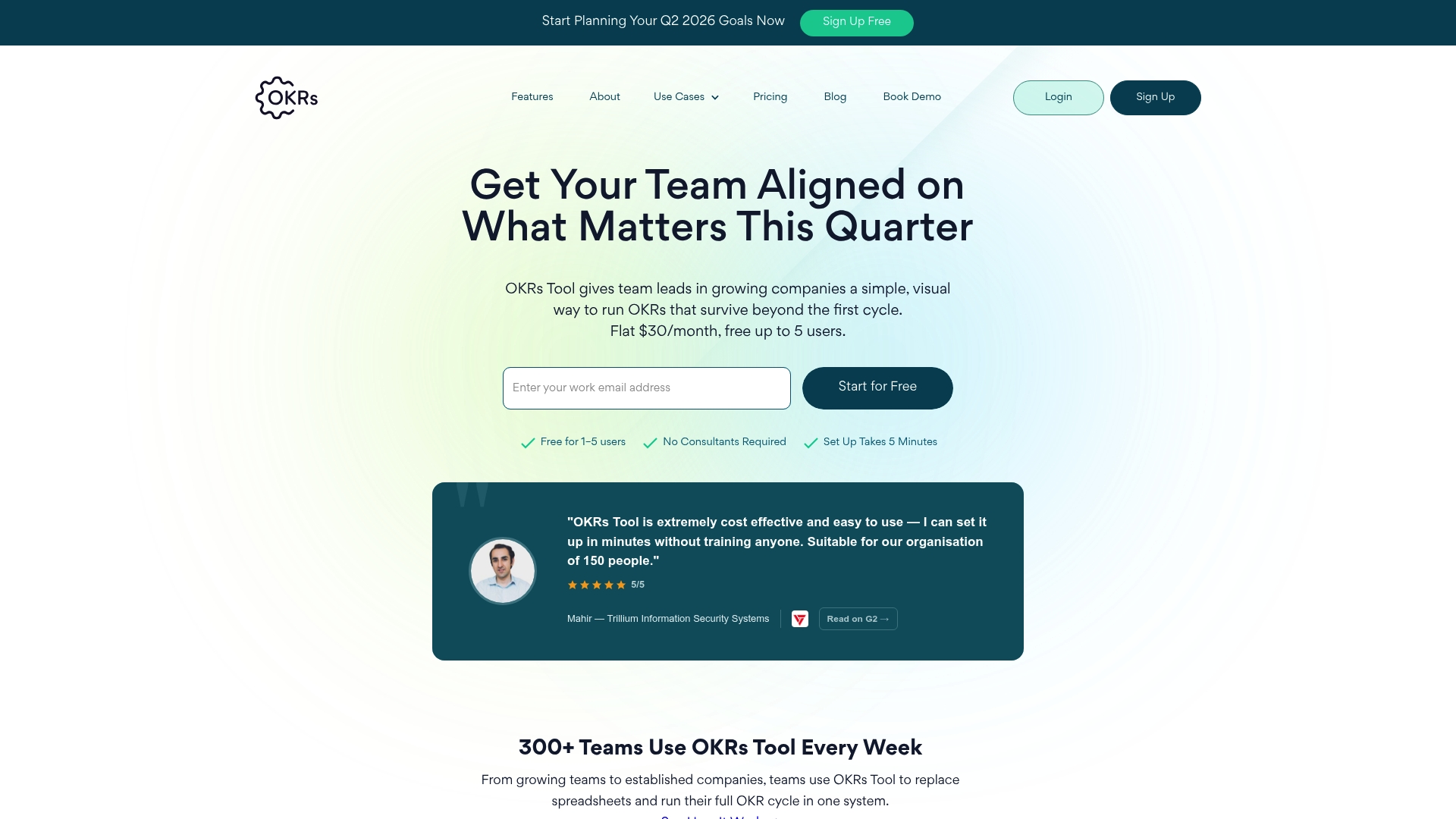
OKRs Tool provides a simple visual platform to run and manage OKRs, helping teams align goals and track progress beyond an initial cycle. The product pairs ease of use with flat pricing, making it practical for mid sized companies.
Core Features
OKRs Tool supports unlimited OKRs and cycles and offers AI assisted OKR drafting to speed goal creation and replace spreadsheets for structured goal planning across teams.
The platform adds weekly check ins, goal to KPI linking, single owner assignment, roles and permissions in paid plans, dashboards and analytics, automated check ins, engagement insights, secure hosting, real time updates, and integrations with Slack and Microsoft Teams.
Pros
- Ease of use and quick setup: The simple visual interface and AI assisted drafting let teams replace spreadsheets within hours and reduce setup friction for managers.
- Flat pricing model with no per user fees: A flat monthly fee for small teams simplifies budgeting and removes per user cost unpredictability as the team scales.
- Comprehensive goal management features: Unlimited OKRs and cycles, weekly check ins, KPI linking, approval workflows, and dashboards provide full visibility across quarters.
- Integrations with Slack and Microsoft Teams: Native connections keep updates in team communication channels and reduce context switching for busy managers.
- Secure and GDPR compliant platform: Secure hosting and permissions controls make the product suitable for organizations that prioritize data protection and regulatory compliance.
Cons
- Limited features in the free plan: The free tier lacks KPIs, activity log, and AI insights, which constrains teams that want deeper analytics or audit trails without upgrading.
- Pricing grows with needs: As organizations add users or require advanced features, costs rise from the flat small team fee to higher tiers, which can affect budgeting for growing companies.
- Advanced capabilities behind paid plans: Features like roles and permissions, engagement insights, and approval workflows require paid plans, limiting what small pilot teams can test at no cost.
Who It's For
OKRs Tool fits teams and organizations seeking a simple scalable solution for managing OKRs, especially companies looking to replace spreadsheets and improve goal alignment. Team leads, founders, and mid sized companies that need quick visibility and structured reviews will get the most value.
Unique Value Proposition
The product's unique value combines a simple visual workflow with AI assisted OKR drafting and flat pricing, lowering the barrier to OKR adoption while offering unlimited cycles and secure hosting for scaling teams.
Real World Use Case
A growing startup uses OKRs Tool to create measurable objectives, run weekly check ins, link initiatives to KPIs, and conduct quarterly reviews. That process produces faster decision making, clearer reporting for founders and investors, and stronger cross department alignment.
Pricing
Pricing starts with a free plan for 1 to 5 users. Paid plans are a $30 per month flat fee for growing team leads and $50 per month for organizations with multiple teams, with scalable features available as needs grow.
Website: https://okrstool.com
WorkBoard AI Strategy Execution & OKR Platform
At a Glance
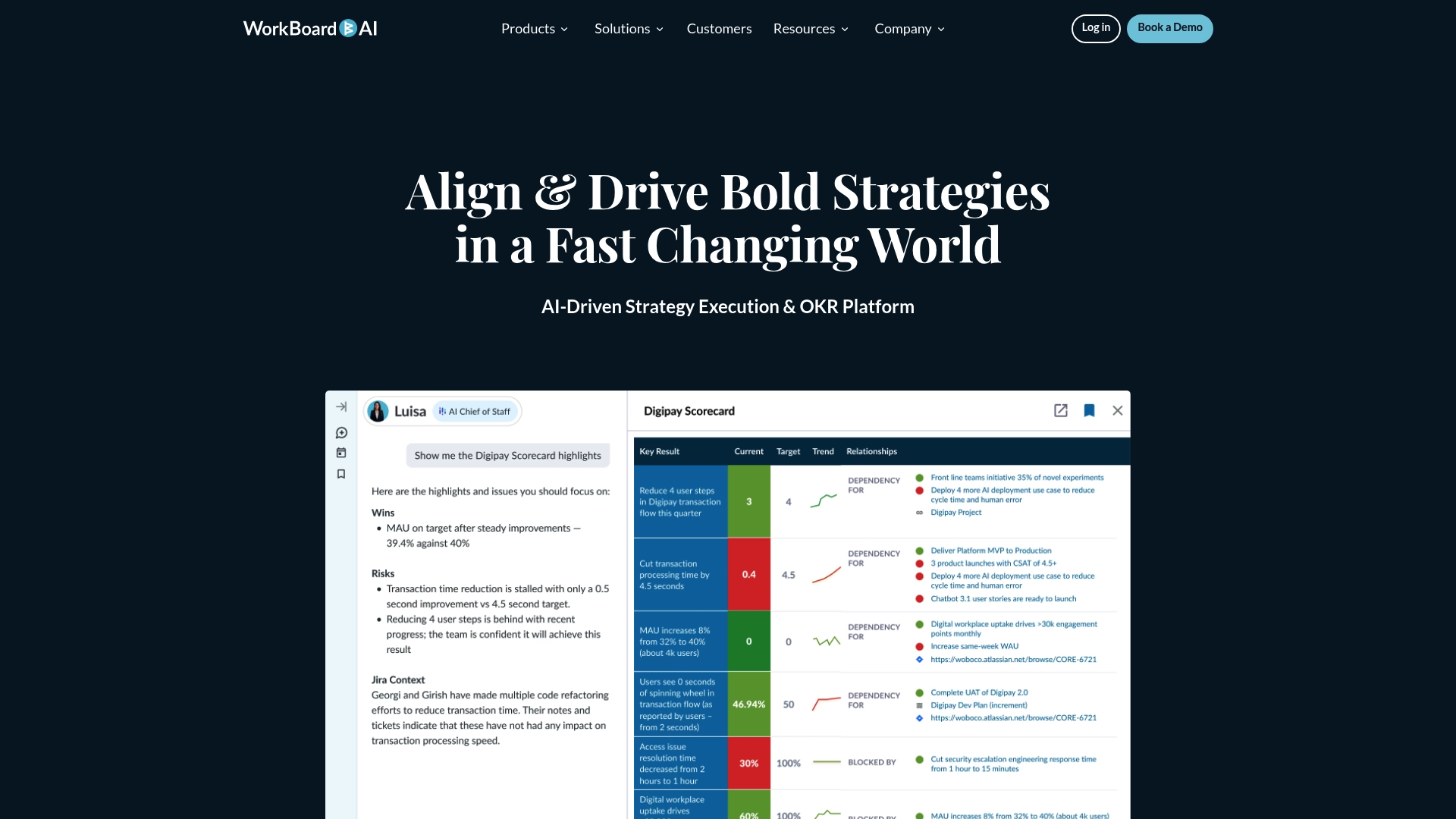
WorkBoard offers an AI driven strategy execution platform that combines goals, scorecards, and AI agents to accelerate organizational priorities. Its focus on alignment and accountability makes it a strong fit for enterprises that need a single system of record for strategy.
Core Features
The platform provides a system of record for strategy and goals, with AI agents that help accelerate execution and surface risks. It includes automated scorecards, status reports, and prereads, plus deep integrations with Workday, Microsoft, Salesforce, Jira, and more for operational continuity.
Pros
-
Comprehensive AI powered platform: The product bundles strategy, OKRs, and AI support so leadership can track intent and execution in one place.
-
Strong integration capabilities: Native connections to major enterprise systems reduce manual data work and keep scorecards current across teams.
-
Trusted by major industry leaders: Enterprise adoption suggests reliability and scalability for large, distributed organizations.
-
Solves leader and HR needs: The platform includes solutions tailored for business and HR leaders, supporting leadership development and coaching workflows.
-
Automates recurring management work: Automated status reports and prereads speed up operational cadence and improve meeting efficiency.
Cons
-
Limited user interface detail: Public information gives little insight into the interface and day to day user experience for managers and contributors.
-
Potential implementation complexity: Smaller organizations may face onboarding overhead when mapping existing processes and integrations to the platform.
-
Pricing not specified: The absence of transparent pricing makes cost planning difficult for procurement teams evaluating alternatives.
Who It's For
WorkBoard targets organizations that need enterprise grade strategy execution and tight alignment across many teams. It suits mid sized to large companies where leadership requires a single, auditable record of goals and outcomes and where integrations with core systems matter.
Unique Value Proposition
WorkBoard combines a single source of truth for strategy with AI agents that actively accelerate work and flag risks. That pairing of a record of goals plus machine assisted execution sets it apart from simple OKR trackers and basic project tools.
Real World Use Case
A large enterprise uses WorkBoard to align global teams around common objectives, automate performance scorecards, and run faster operational cadences. Leaders rely on AI to highlight execution gaps and to surface strategic risks before they affect quarterly results.
Pricing
Pricing is not specified on the website, which requires direct contact with sales for a quote and enterprise terms.
Website: https://workboard.com
Gtmhub
At a Glance
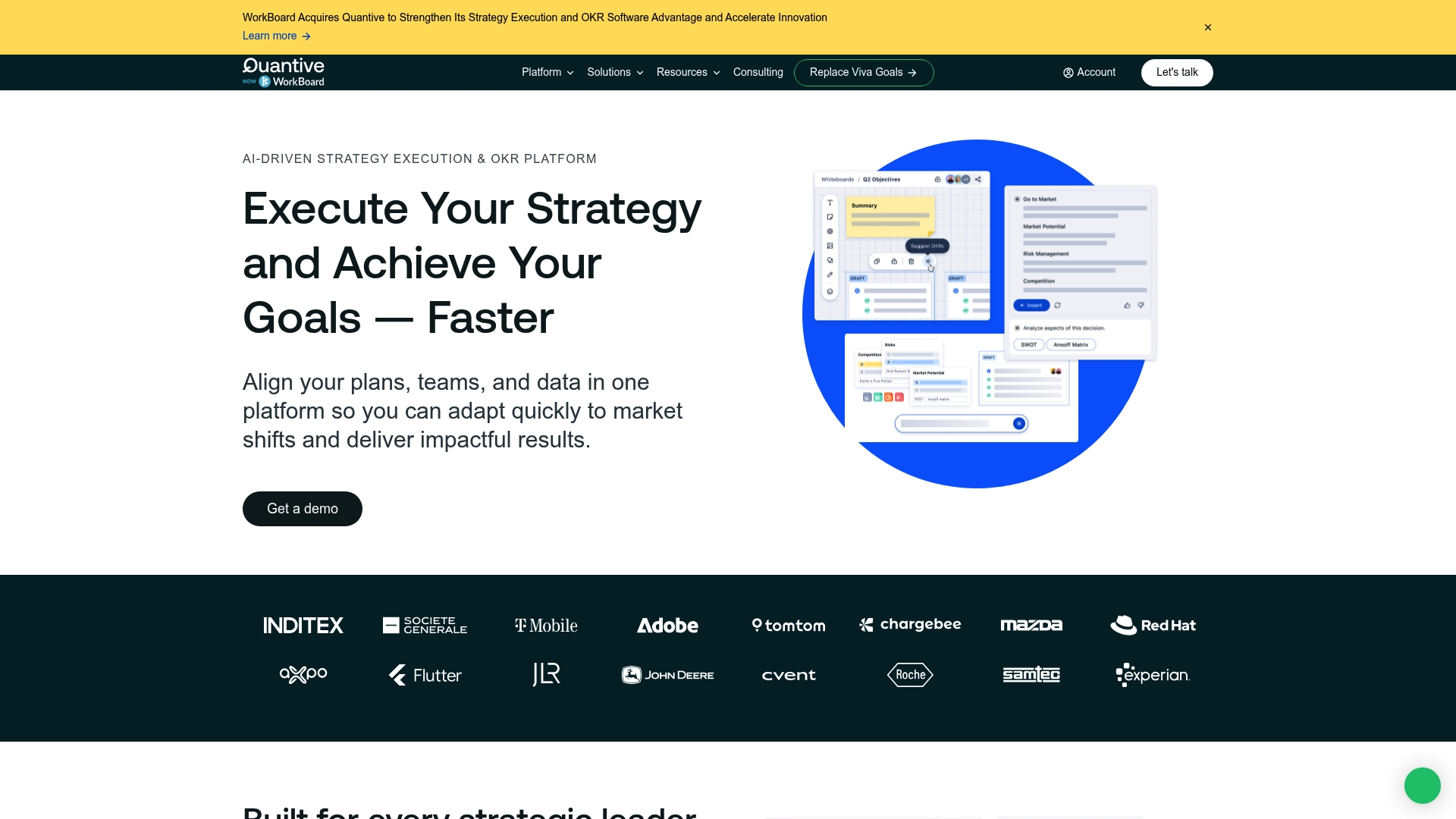
Gtmhub is an AI powered strategy execution and OKR platform that brings plans, teams, and data together to accelerate decision making and adaptation to market shifts. It suits organizations that want data driven alignment across strategy and operations.
Core Features
Gtmhub centralizes strategic planning and execution with real time insights and scenario planning to guide choices. The platform offers custom dashboards for reporting, a unified view for goals and initiatives, and integration with over 170 data sources for automated KPI tracking.
Pros
-
Comprehensive platform: Gtmhub combines planning, execution, and evaluation in a single product so leaders avoid tool fragmentation.
-
AI driven insights: The platform provides AI powered analysis that helps teams prioritize initiatives and identify performance patterns faster.
-
Strong security posture: Gtmhub lists enterprise level security and compliance certifications that support governance and risk requirements.
-
Flexible for roles and sizes: The product offers tailored solutions across organizational roles which helps rollouts across departments.
-
Dedicated support and consulting: Gtmhub includes thorough support and consulting services to accelerate adoption and outcomes.
Cons
-
Learning curve for new users: The breadth of features increases complexity and may require formal training or onboarding for teams.
-
Pricing on request: Pricing requires contacting sales which can slow procurement and complicate upfront budgeting for mid sized companies.
-
Potential overcapacity for small teams: The feature set may be larger than necessary for very small teams or early stage startups.
Who It's For
Gtmhub targets organizational leaders, strategy and operations teams, and enterprise level companies that need to align objectives and measure outcomes across multiple departments. It works best where data integration and formal governance matter.
Unique Value Proposition
Gtmhub’s value lies in its ability to align plans, teams, and data on one platform while applying AI to surface actionable signals. Organizations that require measurable strategic agility and enterprise grade controls will find distinct value.
Real World Use Case
A large manufacturing company used Gtmhub to align strategic goals across departments, automate KPI reporting, and apply AI insights for proactive decisions. The result was improved operational efficiency and faster responses to market changes.
Pricing
Gtmhub offers plans tailored for Teams, Business, and Enterprise organizations and requires contacting sales for pricing details. That model supports customization but requires time for procurement and budget approval.
Website: https://gtmhub.com
Management Tools Comparison
Below is a comprehensive comparison of four popular management tools: Outsprinter, OKRs Tool, WorkBoard AI, and Gtmhub. The table lists their distinctive features, advantages, limitations, ideal users, and pricing details to assist in selection.
| Product | Features | Advantages | Users | Pricing |
|---|---|---|---|---|
| Outsprinter | Dashboards, KPI Management, AI Assistant, Goal Planner, User roles. | Comprehensive tracking across metrics and tasks; real-time updates; AI-assisted analytics. | Mid-sized organizations needing unified performance management across various teams. | Plans: Starter (€39/mo), Professional (€99/mo), Business (€199/mo); Enterprise options available. |
| OKRs Tool | Unlimited OKRs, AI-assisted drafting, check-ins, KPI linking, Slack integration. | Flat pricing structure; intuitive interface; seamless communication integrations. | Teams and small organizations seeking OKR management with low adoption barriers. | Free for up to 5 users. Paid plans: $30/mo for small teams, $50/mo for larger teams with advanced features. |
| WorkBoard AI | AI-integrated strategy support, Goal system, Scorecards, Extensive integrations. | Enterprise-grade alignment and execution support; automation of operational reports. | Large organizations requiring strategic goal alignment and execution analysis. | Pricing is tailored and available upon request through direct contact with sales. |
| Gtmhub | AI-driven Insights, KPI automation, Integration with 170+ tools, Custom dashboards. | Integration-rich analytics platform; robust strategic planning and execution capabilities. | Enterprises and large organizations focusing on comprehensive strategic adaptability. | Pricing details need to be obtained by contacting sales for a customized quote. |
Discover a Superior Alternative to Okrstool.com for Seamless Performance Management
If you are searching for a complete solution beyond basic OKR tracking, Outsprinter offers real-time dashboards, robust KPI management, and integrated project controls that keep your team aligned and accountable. Unlike simple OKR tools, Outsprinter unites goal planning, task management, and AI-driven insights to give you instant visibility into progress and risks across your entire organization.
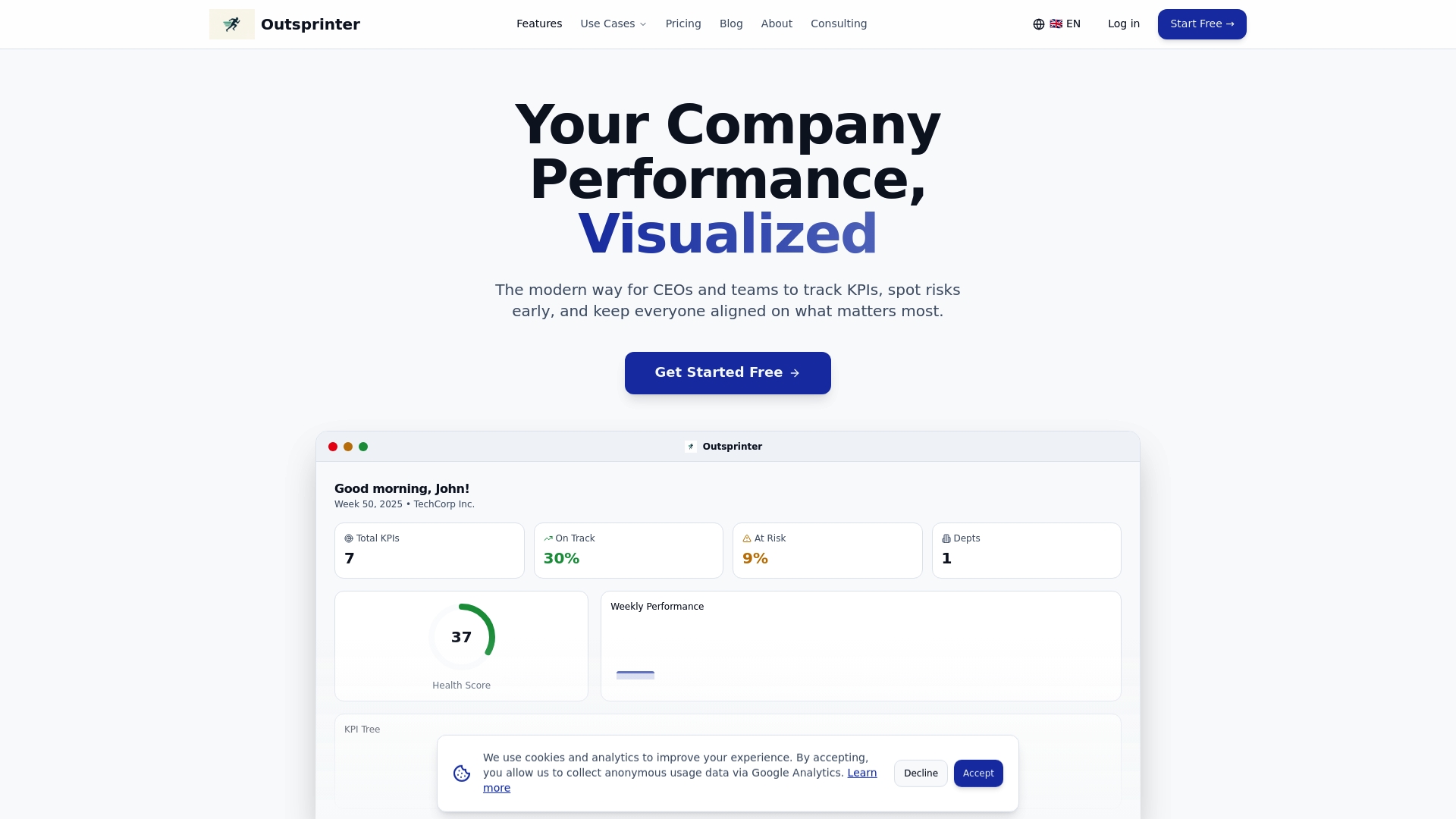
Explore how Outsprinter can transform your performance tracking with features like role-based user management, live alerts, and powerful data import/export options. Take control of your strategic goals today by visiting Outsprinter and start your free trial to see the difference real-time data and AI support can make.
Frequently Asked Questions
What are some key features to look for in an OKR management tool?
Outlook on features including ability to set unlimited objectives, AI assistance for drafting goals, and integration with team communication tools can significantly improve your workflow. Focus on platforms that streamline goal tracking and enhance team collaboration for better results.
How can I determine which OKR tool is best suited for my organization?
Assess your organization's specific needs, such as team size, complexity of goals, and desired integrations when evaluating OKR alternatives. Create a checklist of essential features and prioritize them to find the best fit for your team.
What are the benefits of using an AI-enabled OKR platform?
An AI-enabled OKR platform can enhance decision making by providing data-driven insights and trend analysis, making the goal-setting process more efficient. Consider platforms that offer real-time updates and automated check-ins to keep teams aligned.
How long does it typically take to implement a new OKR tool?
Implementation time can vary, but most organizations can expect to begin seeing results within 30 to 60 days after setup. Prepare to allocate time for training and onboarding to fully utilize the tool’s capabilities.
Can small teams benefit from these OKR tools?
Yes, many OKR tools cater to small teams with features that scale with your needs. Look for platforms that offer flat pricing models, which can simplify budgeting as your team grows without adding significant costs per user.