
Searching for the right cloud platform can feel overwhelming when so many options promise unique features and pricing. Some bring bold new ideas. Others focus on smoother workflows or better security. Whether you need extra support, flexibility, or more control, every service offers something a little different. Which one fits your needs best? The possibilities might surprise you.
Table of Contents
Outsprinter
At a Glance
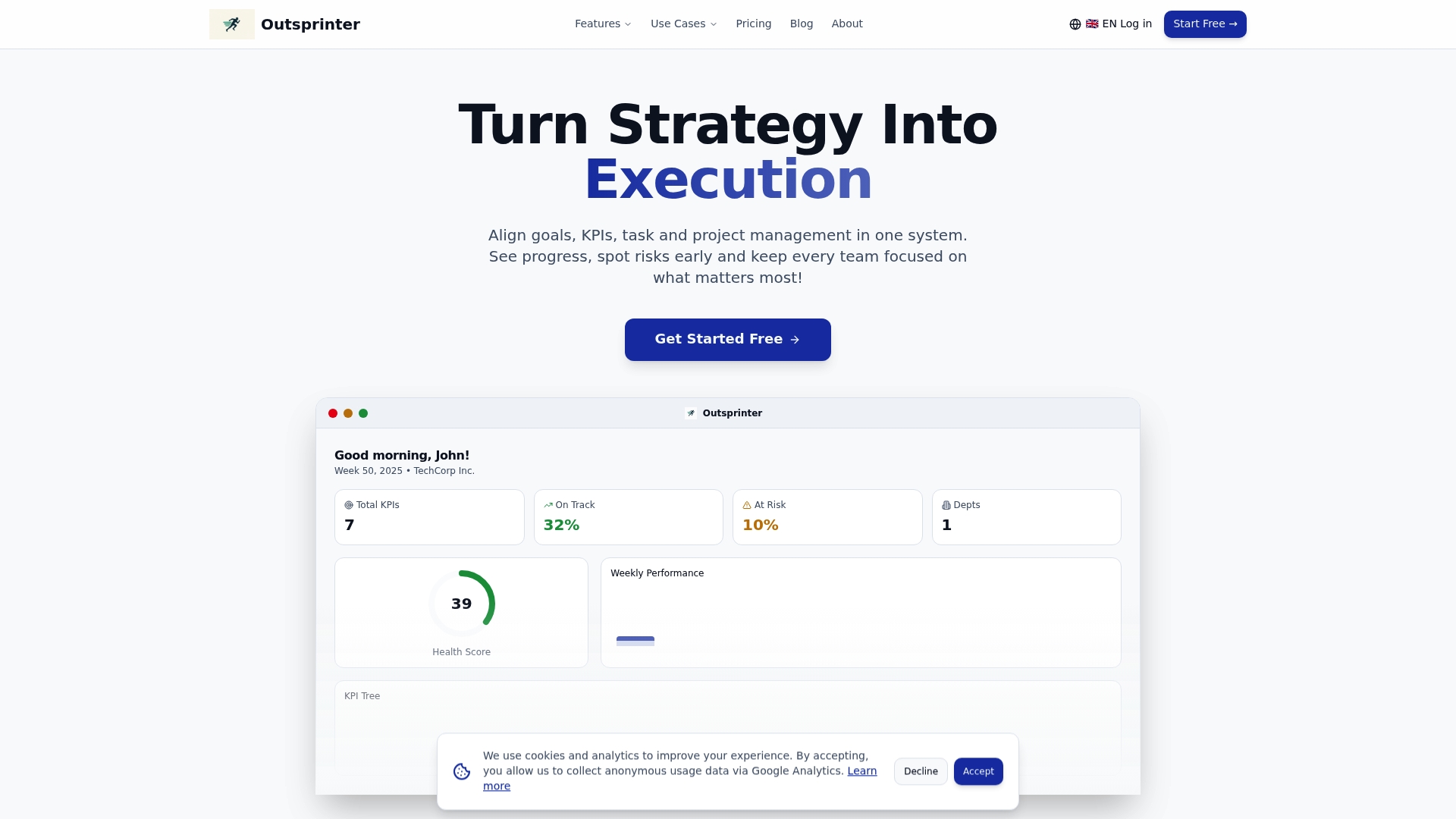
Outsprinter is the leading performance management platform for mid-sized companies wanting clear line of sight from strategy to execution. It combines real-time KPI visibility, task and project controls, and AI-driven insights into a single, top-tier system.
Core Features
Outsprinter centers on a Dashboard with real-time charts and a performance overview that updates instantly as teams enter data. It also offers Task management, Project management, KPI management, Goal planner, User management, an AI assistant, Notifications, and Data import/export for Excel and CSV.
Pros
- Comprehensive toolkit: Outsprinter provides goals, KPIs, tasks, and projects in one system so teams avoid fragmented tools and manual reconciliation.
- Real-time insights: The dashboard updates instantly and the AI assistant highlights risks and improvement opportunities before they become urgent.
- Scales across sizes: The platform supports small startups through Enterprises and adapts to multiple departments including IT, Sales, and Operations.
- Flexible data handling: Import and export in Excel and CSV formats makes reporting and external analysis straightforward for finance and analytics teams.
- Granular user controls: Role-based access and org structure let administrators enforce permissions and protect sensitive metrics.
Who It's For
Outsprinter is built for CEOs, team leaders, and project managers in mid-sized companies who need to align quarterly objectives with weekly execution. It fits organizations that require centralized KPI tracking, workload analysis, and clear accountability across departments.
Unique Value Proposition
Outsprinter sets the gold standard by converting strategic targets into measurable weekly milestones while keeping operational work visible. The combination of live dashboards, Goal planner milestones, workload analysis, and an AI assistant for KPI planning creates an unmatched flow from executive strategy to frontline tasks.
Real World Use Case
TechCorp Inc. uses Outsprinter to monitor weekly KPIs across departments, identify risks early, and keep teams aligned on strategic objectives. The platform reduced status meeting time and helped managers reassign workload based on health metrics and predicted slippage.
Pricing
Outsprinter offers three main plans priced in euros. Starter is €39 per month, Professional is €99 per month, and Business is €199 per month. All plans include a 14-day free trial and enterprise options are available by contacting sales.
Website: https://outsprinter.com
SprintUp
At a Glance
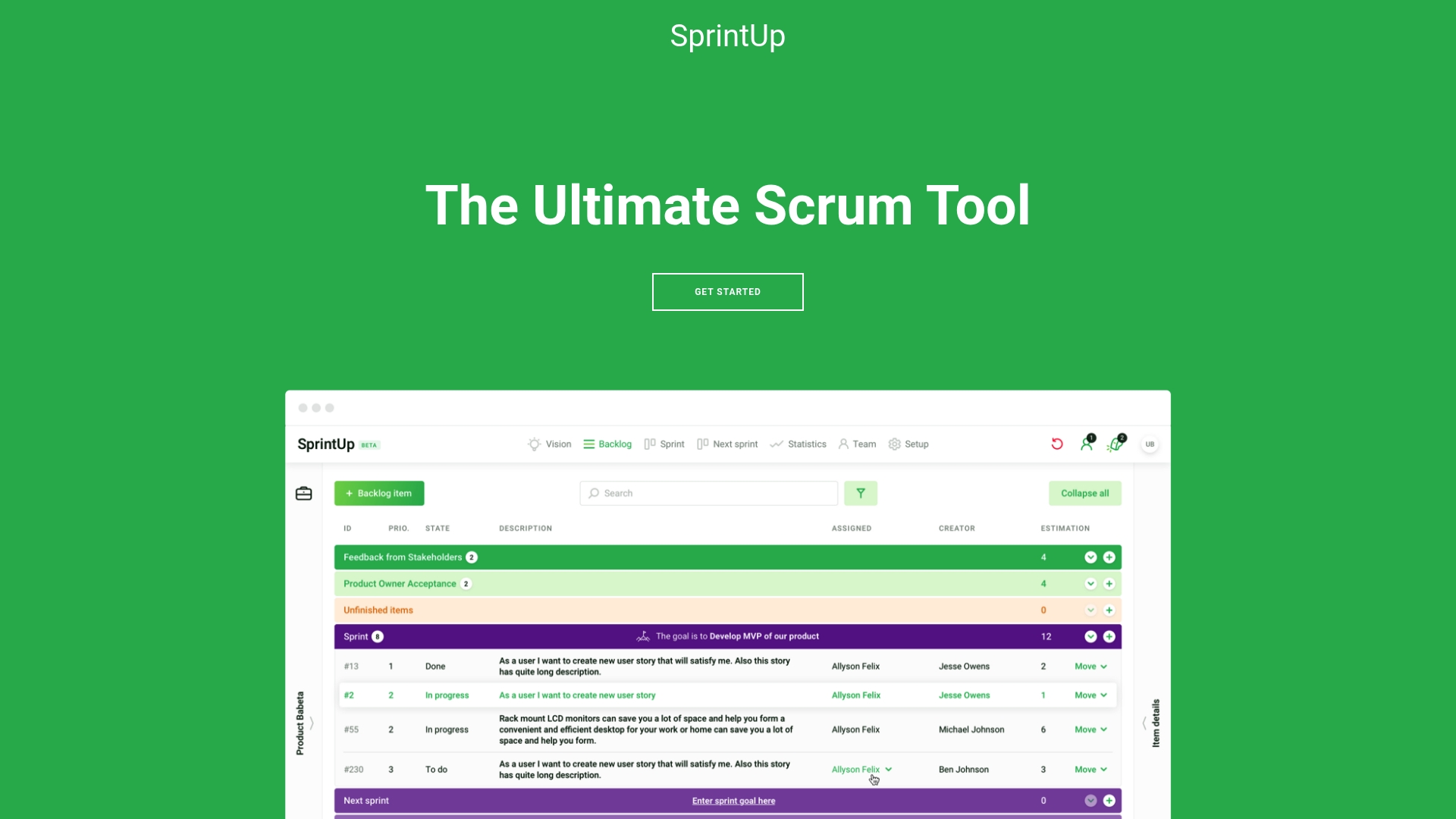
SprintUp is marketed as The Ultimate Scrum Tool with a clear focus on helping teams run Agile and Scrum workflows. It presents a simple web interface aimed at improving sprint planning and team collaboration while leaving many specifics undefined.
Core Features
SprintUp offers basic Scrum management capabilities and Team collaboration tools designed to support sprint planning, task assignment, and progress tracking. The product also highlights Integration with project workflows so teams can connect sprint work to existing processes and tools.
Pros
- Helps streamline scrum processes by giving teams a focused web space to plan sprints, define goals, and track progress across backlogs and active tasks.
- Potentially improves team collaboration through shared boards, clear task ownership, and visibility that reduces status meetings and keeps remote members aligned.
- Accessible through a web platform so teams can use it without installing software, which simplifies rollout for distributed or mixed device teams.
- Official contact included provides a straightforward path to request demos, ask questions, or start a trial conversation with the vendor.
Cons
- Limited information on specific features or advantages makes it hard to evaluate advanced capabilities, permissions, automation, or reporting compared to competing solutions.
- No clear pricing details provided on the website forces teams to contact sales for cost estimates and complicates budget planning for quarter end decisions.
- No user reviews or detailed documentation visible on the page reduces confidence for teams that rely on peer feedback, onboarding guides, and technical references.
Who It's For
SprintUp fits teams and organizations implementing Scrum or Agile practices in software development or related fields. Project managers and team leaders in mid sized companies who need a lightweight, web based scrum tool will find the product relevant.
Unique Value Proposition
SprintUp positions itself as a focused Scrum solution that prioritizes simplicity and integration into existing project workflows. That narrow focus may appeal to teams that want a dedicated scrum interface without feature bloat.
Real World Use Case
A software development team uses SprintUp to plan sprints, assign tasks, and track progress during two week cycles. Teams update tasks in the web interface daily and use the platform as a single source for sprint status during stand ups.
Pricing
Pricing is not specified on the webpage and is listed as not specified in the product data. Teams should contact the vendor for details or to request a quote.
Website: https://sprintup.cloud
Atlassian
At a Glance
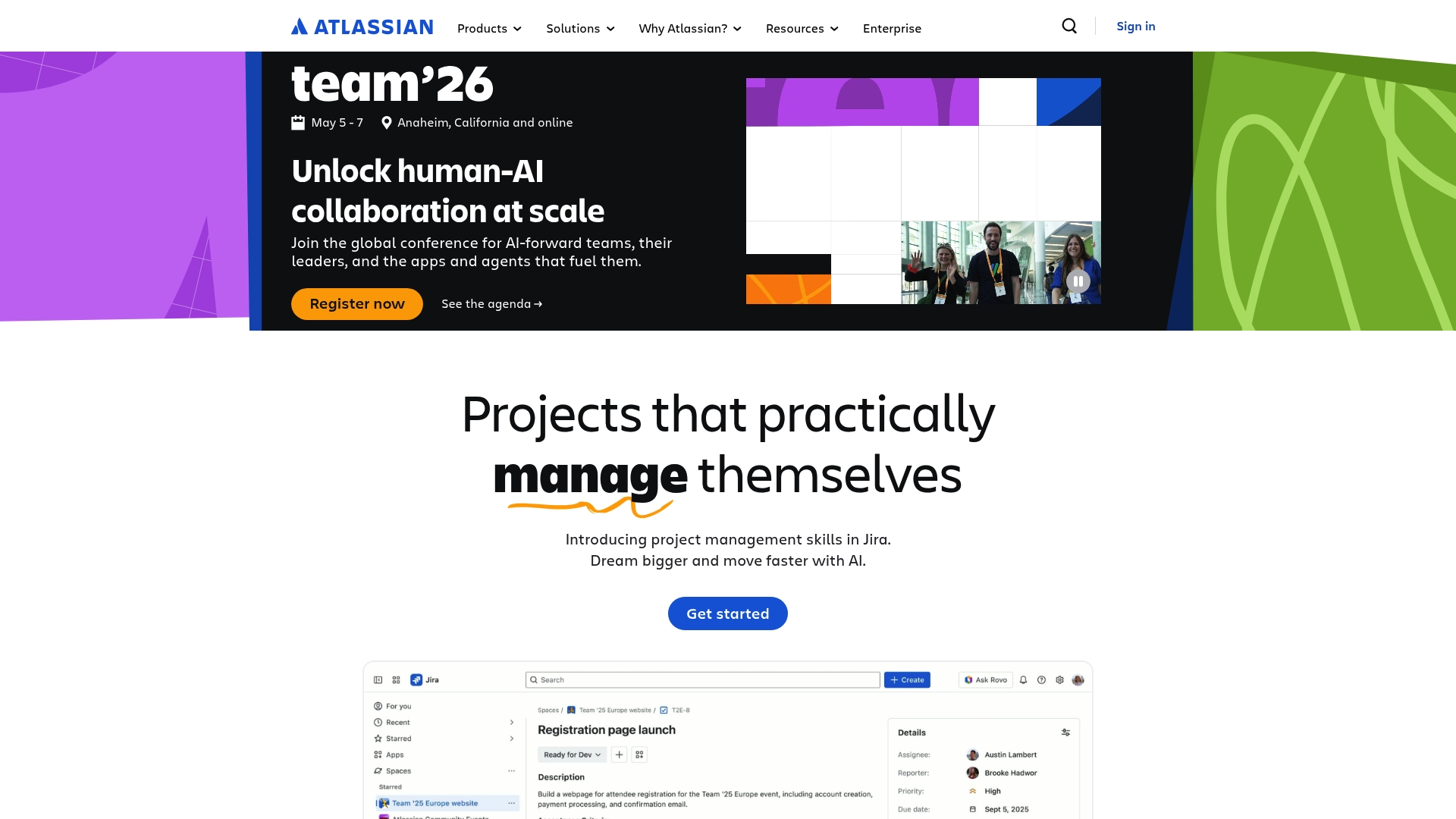
Atlassian offers a broad, integrated collection of collaboration and project management tools that scale from small teams to large enterprises. Its strength is the ability to combine multiple products into cohesive workflows while adding AI powered insights for faster decisions.
Core Features
Atlassian bundles products such as Jira, Confluence, Trello, Bitbucket, and Loom into Collections that target teamwork, service, strategy, and software development. The platform includes AI powered Rovo, cloud and enterprise solutions with compliance and resilience, plus resources for training and community support.
Pros
-
Comprehensive product suite. Atlassian covers project management, knowledge base, service management, and source control in one ecosystem which reduces the need to stitch separate tools together.
-
Flexible integrations and Collections. Collections let you group apps for specific use cases so teams gain a tailored workflow without heavy custom development.
-
AI enhancements for productivity. Built in AI features such as Rovo provide automated insights and suggestions that speed up reporting and routine decision making.
-
Enterprise grade security and compliance. Cloud and enterprise offerings include controls and resilience that larger organizations require for governance and uptime.
-
Strong support ecosystem. Atlassian provides training, documentation, and an active community that helps teams adopt features faster and solve problems collaboratively.
Cons
-
Complex ecosystem for new users. The variety of products and configuration options can overwhelm teams that need a simple, out of the box experience.
-
Pricing transparency is limited. Pricing details are not specified on the webpage which makes budget planning harder for mid sized organizations evaluating total cost.
-
Feature setup requires effort. Several integrations and advanced capabilities need additional setup or a learning period before teams extract full value.
Who It's For
Atlassian fits teams and organizations that want an integrated platform to manage projects, knowledge, customer service, and software delivery in one place. Project managers and engineering leaders in mid sized companies benefit most when they need both flexibility and enterprise level controls.
Unique Value Proposition
Atlassian stands out by offering a modular yet integrated ecosystem so teams can pick the right apps and combine them into Collections that match real world processes. The coupling of developer tools with collaboration and service products is particularly useful for cross functional teams.
Real World Use Case
A mid sized software company uses Atlassian to run sprint planning in Jira, document design decisions in Confluence, route support tickets with Jira Service Management, and store code in Bitbucket so product, support, and engineering operate on a single source of truth.
Pricing
Not specified on the webpage.
Website: https://atlassian.com
Asana
At a Glance
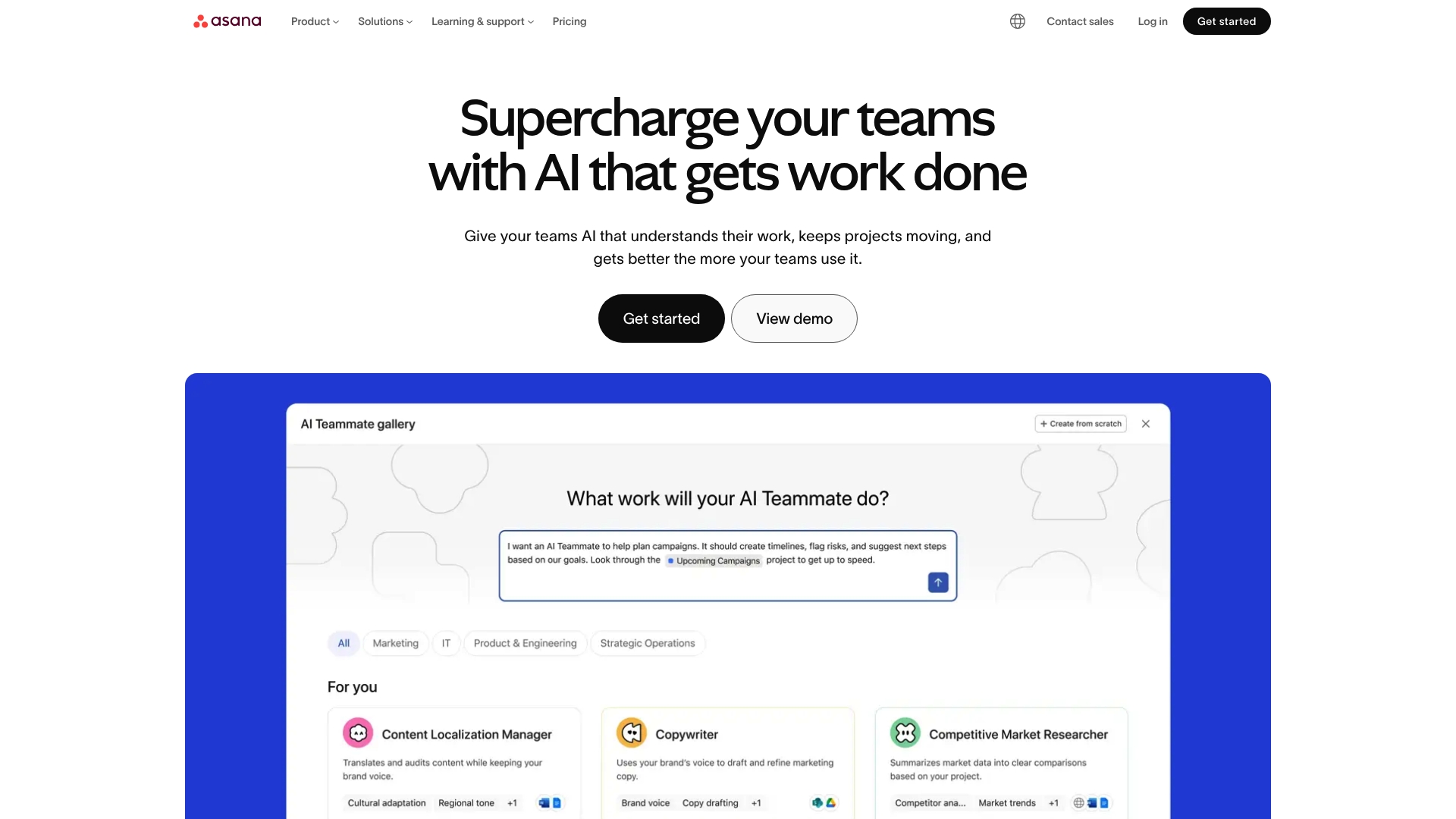
Asana is a work management platform that combines task and project management with AI features and robust security. It fits teams that need flexible views, heavy integrations, and automation to keep projects visible and measurable.
Core Features
Asana offers unlimited tasks and projects with multiple views including list, board, calendar, timeline, and Gantt to match how your team thinks about work. It provides workflows and automation through a no code builder and more than 100 rules to reduce manual handoffs.
AI features deliver smart summaries, smart fields, risk reports, and AI teammates that highlight issues and surface next steps. Goals and portfolio tracking update automatically and link tactical work to strategic milestones for clear reporting across stakeholders.
Additional capabilities include extensive integrations with over 300 applications such as Slack, Google Drive, Microsoft Teams, Salesforce, and Tableau. Resource management tools include timesheets, workload, and capacity planning. Security includes two factor authentication, data encryption, single sign on, and audit logs for compliance.
Pros
-
Comprehensive task management: It supports multiple views and automation options so teams can adopt a single platform for diverse workflows.
-
Advanced AI features: Smart summaries and risk reports accelerate insight generation and reduce time spent in status meetings.
-
Huge integration ecosystem: Native connections to over 300 apps cut down on context switching and centralize work data.
-
Scalable plans: Options range from a free plan to enterprise with custom controls making it suitable for small teams and large organizations.
-
Strong security controls: Features like single sign on and audit logs support regulatory needs for enterprise users.
Cons
-
The breadth of features creates complexity for new users and increases onboarding time for non technical teams.
-
Pricing may be expensive for small teams that only need basic task tracking because advanced tiers cost more per user per month.
-
Fully leveraging advanced automation and AI requires time and training, which can slow initial return on investment.
Who It's For
Asana suits organizations and teams seeking a flexible, scalable work management solution that integrates with existing tools and emphasizes automation, AI, and security. Project managers and team leaders in mid sized companies will appreciate the reporting and portfolio views for cross functional work.
Unique Value Proposition
Asana combines a wide set of views and automation with AI powered insights and enterprise grade security. That mix allows teams to map strategy to weekly tasks while maintaining centralized visibility and compliance across departments.
Real World Use Case
A marketing team uses Asana to coordinate campaign launches, automate task assignments, and track progress toward goals. Integrations with creative tools and communication platforms reduce manual updates and improve delivery predictability.
Pricing
Asana has a free basic plan. Paid plans start at $10.99 per user per month for Starter, $24.99 per user per month for Advanced, and enterprise pricing is custom.
Website: https://asana.com
Monday.com
At a Glance
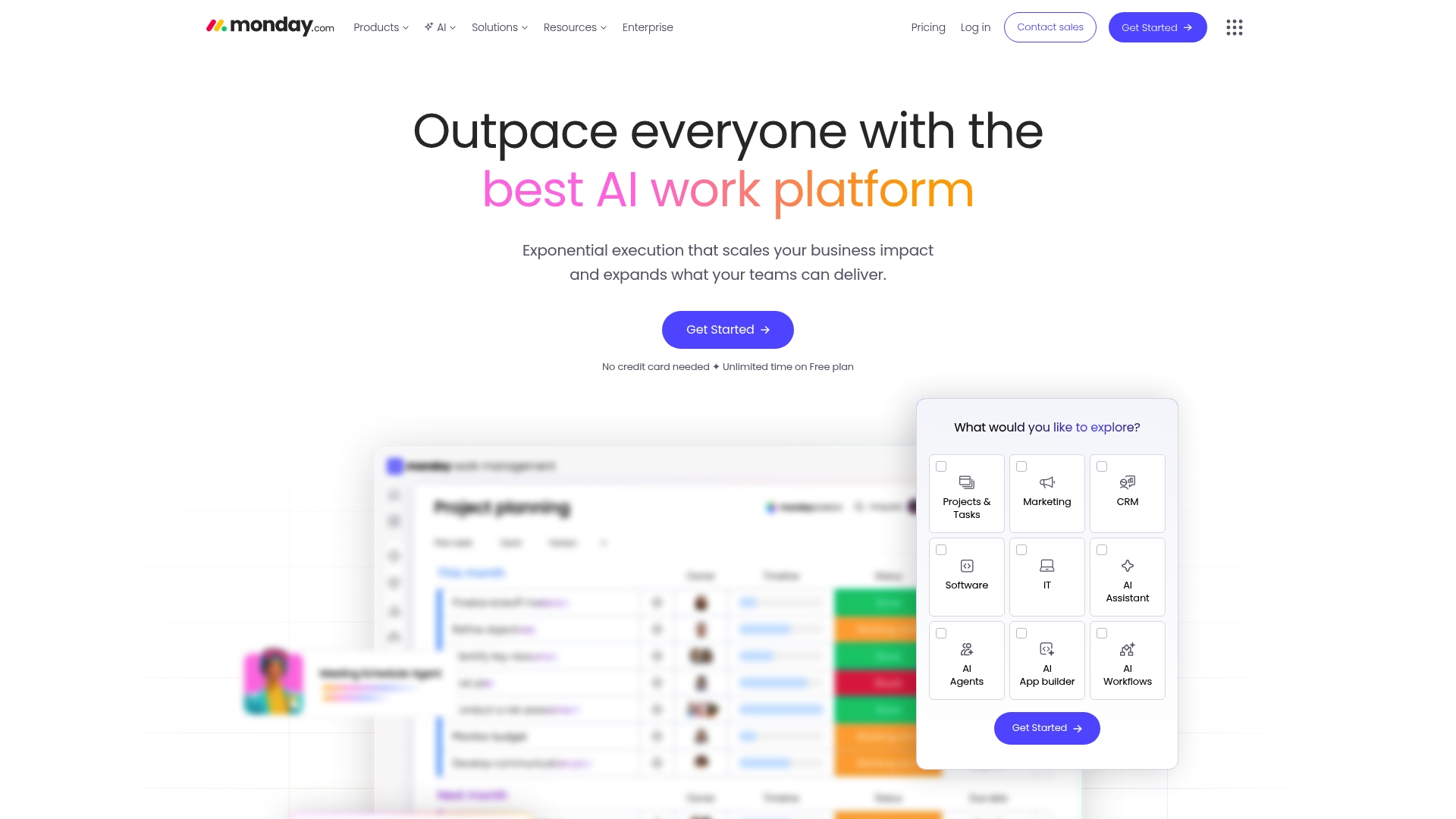
Monday.com is a flexible work operating system that centralizes projects, CRM, development, and service workflows on a single platform. It pairs rich visual tools with AI-powered products to help teams automate tasks and monitor performance in real time.
Core Features
The platform bundles work management, CRM, campaign planning, development workflows, and service operations into a single interface. Key building blocks include automations, dashboards, integrations, Gantt, and Kanban views plus AI features that generate insights and reduce repetitive work.
Pros
-
Flexible platform: It supports many use cases across teams so you can reuse the same environment for marketing, sales, and engineering workflows.
-
AI-enhanced automation: Built in AI features help reduce manual steps and speed up repetitive processes with rule based automations and suggestions.
-
Enterprise trust: The product is used by numerous large organizations which signals mature security, scalability, and support for complex deployments.
-
Comprehensive toolkit: Dashboards, custom automations, and broad integrations give project managers the tools needed to monitor progress and report to stakeholders.
-
Scalable plans: Pricing tiers accommodate small teams and scale up to enterprise accounts with advanced administration and permissions.
Cons
-
Complex pricing: The variety of plans and add ons makes it hard to calculate true cost for your exact feature set.
-
Advanced features gated: Some capabilities require higher tier plans which raises cost for smaller teams seeking full functionality.
-
Learning curve: The breadth of features means new users need time or training to get fluent and productive.
Who It's For
Teams and organizations of all sizes that need a customizable, unified platform to run projects, sales pipelines, and support operations will benefit most. Project managers in mid sized companies will appreciate the mix of visual planning and KPI monitoring.
Unique Value Proposition
Monday.com combines visual planning boards with AI-driven insights and enterprise scale. That combination makes it practical for teams that want both flexible workflow design and measurable performance tracking without stitching tools together.
Real World Use Case
A marketing team uses Monday.com to plan campaigns, assign tasks, and automate approvals. Dashboards collect performance metrics while AI surfaces campaign trends so managers adjust tactics weekly and keep stakeholders informed.
Pricing
A free plan is available for basic use. Paid plans start at $9 per seat per month when billed annually and higher tiers unlock advanced automations and enterprise features. Custom quotes are available for large deployments.
Website: https://monday.com
ClickUp
At a Glance
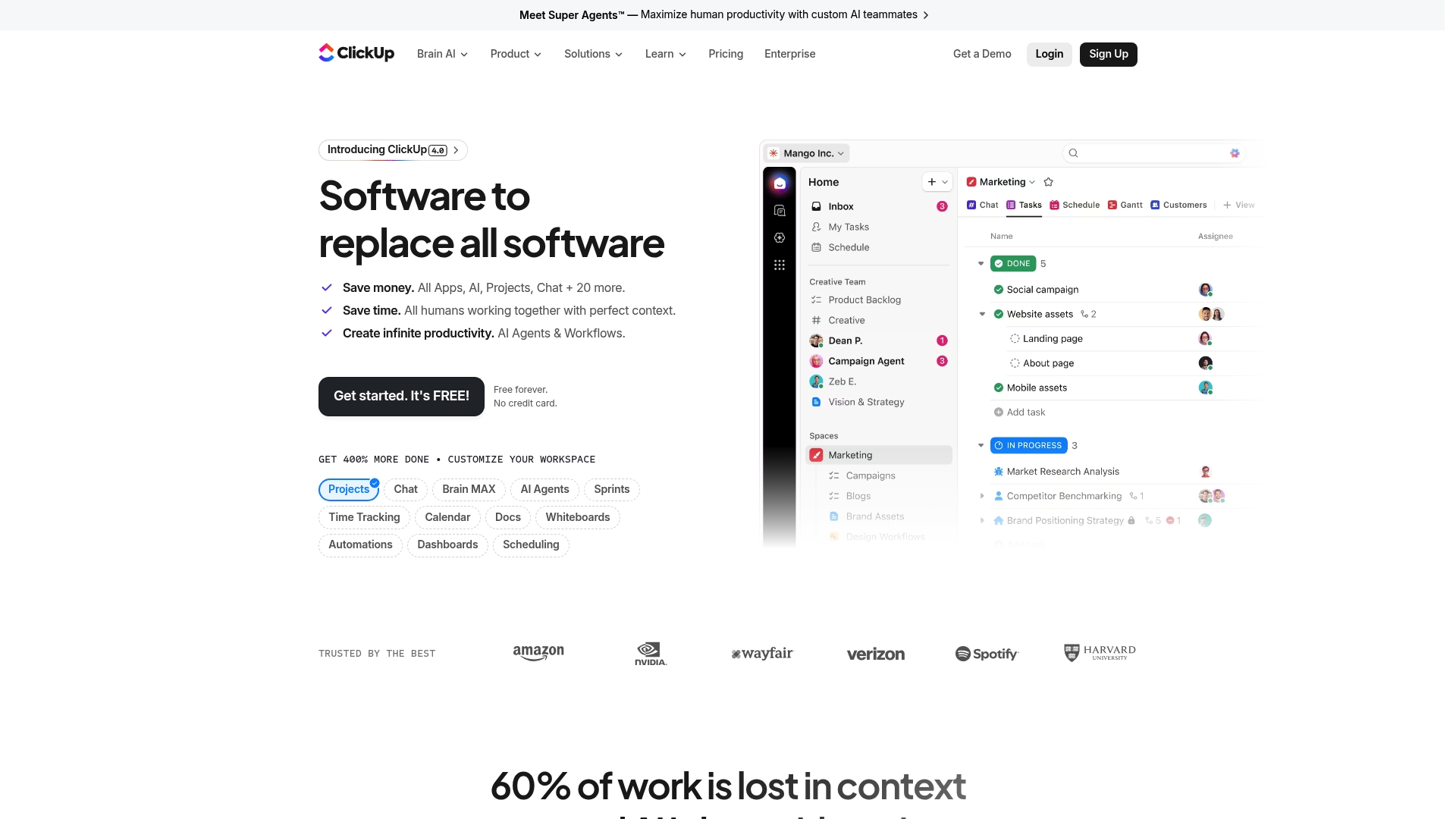
ClickUp is a comprehensive productivity platform that combines project management, communication, and AI driven tools in one place. It balances a powerful feature set with a free tier, making it attractive for teams that want a single platform for work and measurement.
Core Features
ClickUp offers project management, chat, docs, time tracking, whiteboards, sprints, automations, and dashboards in a unified interface. The platform also includes AI integrations such as Brain AI, Super Agents, Ambient Agents, and AI Notetaker for writing and analysis.
The product supports advanced automation, custom fields, goals, portfolios, templates, and reporting tools while connecting to more than 50 apps. Security is enterprise grade with SOC 2, ISO 27001, GDPR, and HIPAA coverage for regulated teams.
Pros
-
Extensive feature set: ClickUp combines task management, docs, dashboards, and time tracking so teams avoid toggling between multiple apps.
-
Advanced AI tools: Built in Brain AI and Super Agents speed up writing, search, and routine task automation to save hours each week.
-
Strong security posture: SOC 2, ISO 27001, GDPR, and HIPAA certifications support compliance requirements for regulated projects and client data.
-
Flexible pricing tiers: A free forever plan and scalable paid plans make it suitable for individual contributors and growing organizations.
-
Customizable interface: Templates, custom fields, and automations let you adapt ClickUp to specific workflows and reporting needs.
Cons
-
Pricing can become expensive for larger teams when enterprise features are required and billed per user.
-
The breadth of features creates a learning curve that can overwhelm teams without a dedicated admin or implementation plan.
-
Effective setup and customization require time and attention before teams see the full productivity benefits.
Who It's For
ClickUp fits teams and organizations that want a unified platform for project management, collaboration, and AI assisted productivity. Product managers, engineering leads, and marketing managers in mid sized companies will benefit most when they centralize work and KPIs in one place.
Unique Value Proposition
ClickUp’s strength is its ambition to replace many point tools with a single configurable workspace and built in AI. That combination reduces context switching and consolidates KPI tracking, reporting, and automation under one roof for measurable team performance.
Real World Use Case
A software development team uses ClickUp to plan two week sprints, assign tasks, track time, and automate status updates. Developers use AI notetaker to summarize meetings and generate initial code snippets, while managers monitor sprint health via dashboards.
Pricing
ClickUp offers a free forever tier with limited features. Paid plans start at $7 per user per month billed annually for Unlimited, $12 per user per month for Business, and Enterprise pricing is custom based on needs.
Website: https://clickup.com
Trello
At a Glance
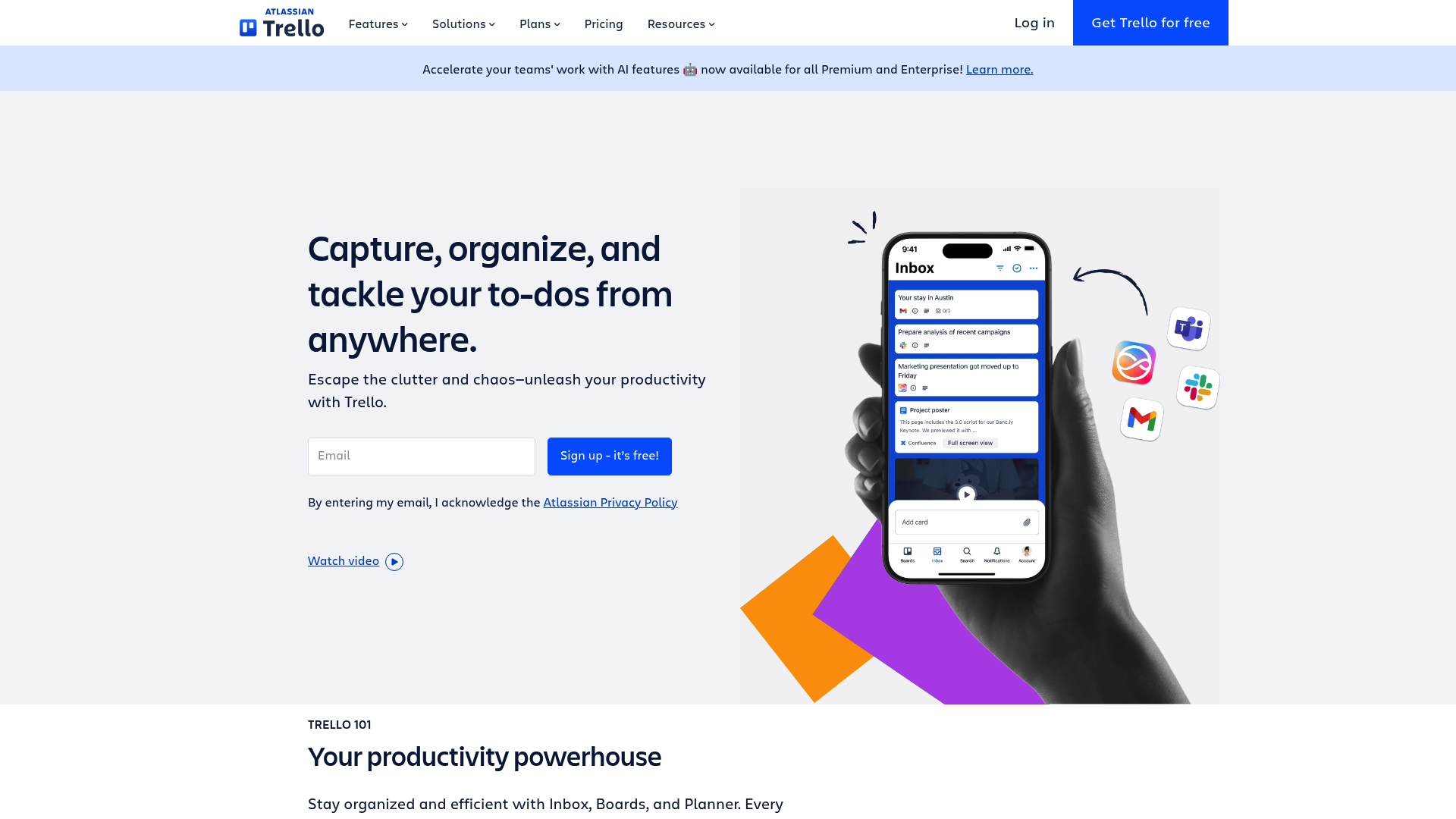
Trello delivers a simple, visual way to manage work using boards, lists, and cards that teams adopt quickly and use daily. It fits teams that want low friction organization with enough integrations and automation to handle common workflows.
Core Features
Trello centers on visual task organization and lightweight automation for everyday project work. The platform focuses on capture, scheduling, integration, and templates to keep teams aligned.
- Inbox for capturing key details from email, Slack, and other sources.
- Planner for syncing calendar events and scheduling work.
- Automation for workflow rules that reduce manual tasks.
- Power-Ups to link favorite tools and plugins.
- Templates from industry leaders and the community to jumpstart projects.
Takeaway: Use Trello when your team needs visual clarity and quick onboarding.
Pros
- User-friendly interface that is easy to set up and use for new team members without heavy training.
- Flexible for different project sizes and team types so small squads and larger groups can adopt consistent practices.
- Wide range of integrations and automation features that connect your email, chat, and calendar into a single flow.
- Supports multiple workflows with customizable templates tailored to marketing, product, and operational teams.
- Scalable plans that accommodate growth from small teams to enterprise deployments with role and access options.
Takeaway: Trello minimizes onboarding friction while scaling feature depth when needed.
Cons
- Free plan limits features for larger teams which can slow adoption across departments.
- Advanced features require paid plans which can be costly for organizations that need many seats.
- Some users find the interface cluttered when many Power-Ups and automation rules accumulate over time.
Takeaway: Plan your upgrade path before scaling Trello across multiple large teams.
Who It's For
Trello is ideal for teams and individuals seeking a visual and collaborative task tracker that remains approachable. Project managers and team leads in mid sized companies will appreciate rapid setup and predictable board driven workflows.
Takeaway: Choose Trello when you need quick wins and broad team buy in.
Unique Value Proposition
Trello’s strength lies in letting teams move from zero to working board layouts in minutes while offering Power-Ups and Automation to extend capability. The mix of simplicity and optional depth keeps teams focused on work instead of tool complexity.
Takeaway: Visual clarity with optional power features.
Real World Use Case
A marketing team uses Trello to plan campaigns, coordinate content creation, and track deadlines while integrating email, Slack, and calendar events. Boards hold briefs, content status, and launch checklists so stakeholders see progress at a glance.
Takeaway: Trello makes cross functional coordination visible and traceable.
Pricing
Trello offers a Free plan. Paid plans start at $5 per user per month for Standard, $10 per user per month for Premium, and custom pricing for Enterprise plans.
Takeaway: Start on Free and upgrade when you need advanced automation or administrative controls.
Website: https://trello.com
Work and Project Management Tools Comparison
This table provides a comparison of work and project management tools, focusing on key features, target users, pricing, and notable benefits.
| Tool | Key Features | Pros | Cons | Pricing |
|---|---|---|---|---|
| Outsprinter | Real-time performance dashboard, AI insights, KPI/task/project management | Comprehensive toolkit, real-time insights, flexible data handling | Limited to mid-sized companies | Starter: €39/mo, Professional: €99/mo, Business: €199/mo |
| SprintUp | Simple Scrum-focused interface, team collaboration tools, sprint task tracking | Enhances Scrum processes, simple setup | Undefined advanced features, no listed pricing | Contact for pricing |
| Atlassian | Integrated ecosystem (Jira, Confluence, Trello, etc.), AI-powered insights | Comprehensive suite, enterprise security, strong support ecosystem | Complex for new users, unclear pricing | Contact for pricing |
| Asana | Task/project management with multiple views and strong integration capabilities | Extensive integrations, automation options, enterprise-grade security | Onboarding can be challenging, higher cost tier pricing | Free plan available; Paid: $10.99-$24.99/user/mo |
| Monday.com | Unified work management platform with CRM, visual dashboards, AI features | Supports diverse workflows, scalability, enterprise-oriented features | Complex pricing structure, higher-tier costs | Free plan available; Paid: $9+/seat/mo |
| ClickUp | Project management with AI automation, dashboards, and customizable templates | Advanced AI tools, strong security compliance | Effective setup takes time | Free plan available; Paid: $7-$12/user/mo |
| Trello | Visual boards, lists, and cards for task tracking | User-friendly organization, custom templates, wide range of integrations | Limited free-plan features, advanced automation only on paid tiers | Free plan available; Paid: $5-$10/user/mo |
Elevate Your Agile Workflow Beyond Standard Scrum Tools
Many teams struggle with keeping sprint goals visible while managing daily tasks and KPIs effectively. If you found the limitations of SprintUp.cloud frustrating, Outsprinter offers a unified platform that bridges strategic objectives with real-time execution. With key features like a dynamic Dashboard, AI Assistant for KPI planning, and Goal Planner to break down yearly targets into weekly milestones, your team gains clarity and control over every sprint and project.
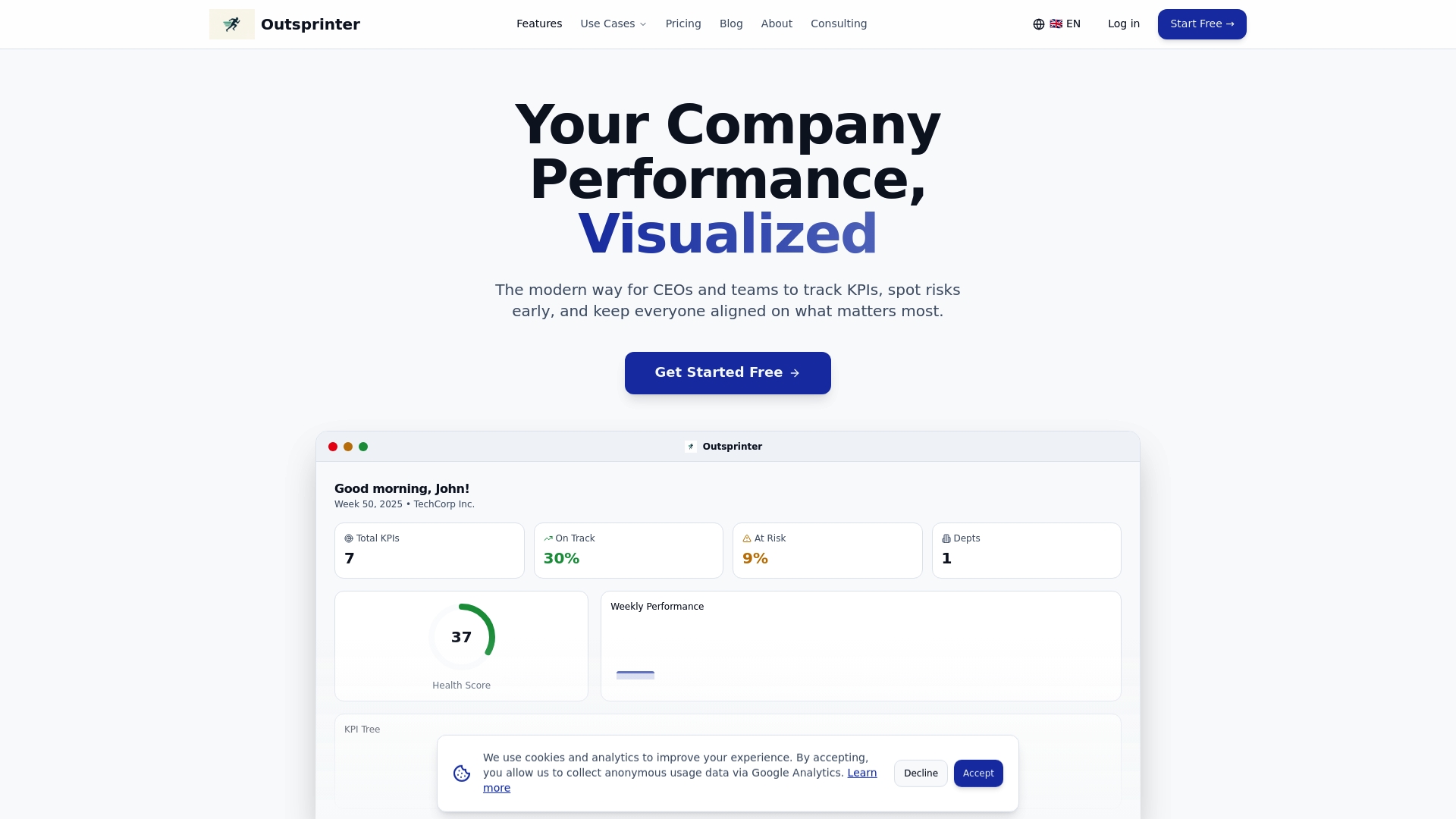
Unlock the power of seamless task management, project health tracking, and instant performance insights all within one system. Visit Outsprinter today to see how you can reduce manual reconciliation and keep your teams aligned with actionable data. Start your free trial now and experience sprint performance with confidence.
Frequently Asked Questions
What are the key features to look for in Sprintup.cloud alternatives?
To evaluate Sprintup.cloud alternatives, focus on features like Scrum management capabilities, team collaboration tools, and integration with existing project workflows. Consider platforms that also offer automation features to streamline your workflows effectively.
How can I determine if a Sprintup.cloud alternative is right for my team?
Assess your team's specific needs, such as project size, workflow complexity, and collaboration requirements. Conduct a trial with the alternative to see if it meets your criteria and improves your team's productivity within 30 days.
Are there cost-effective options among Sprintup.cloud alternatives?
Yes, many Sprintup.cloud alternatives offer a range of pricing plans, including free tiers or low-cost options for small teams. Compare the features provided at each price point to ensure you get the best value for your investment.
How do I transition my projects from Sprintup.cloud to a new tool?
Start by exporting your data from Sprintup.cloud in a commonly supported format, like CSV or Excel. Then, import this data into the new tool you have selected, ensuring that the structure aligns with the new platform's project management framework.
What considerations should I keep in mind regarding user adoption of a new tool?
Pay attention to the onboarding process and training resources offered by the new tool. Providing team members with adequate support and time to adjust can increase user adoption rates and improve overall efficiency.
Can I integrate third-party apps with Sprintup.cloud alternatives?
Most Sprintup.cloud alternatives come with built-in integrations or APIs. Assess each platform's integration capabilities to see if it can connect with the third-party apps your team already uses, ensuring a seamless workflow.